
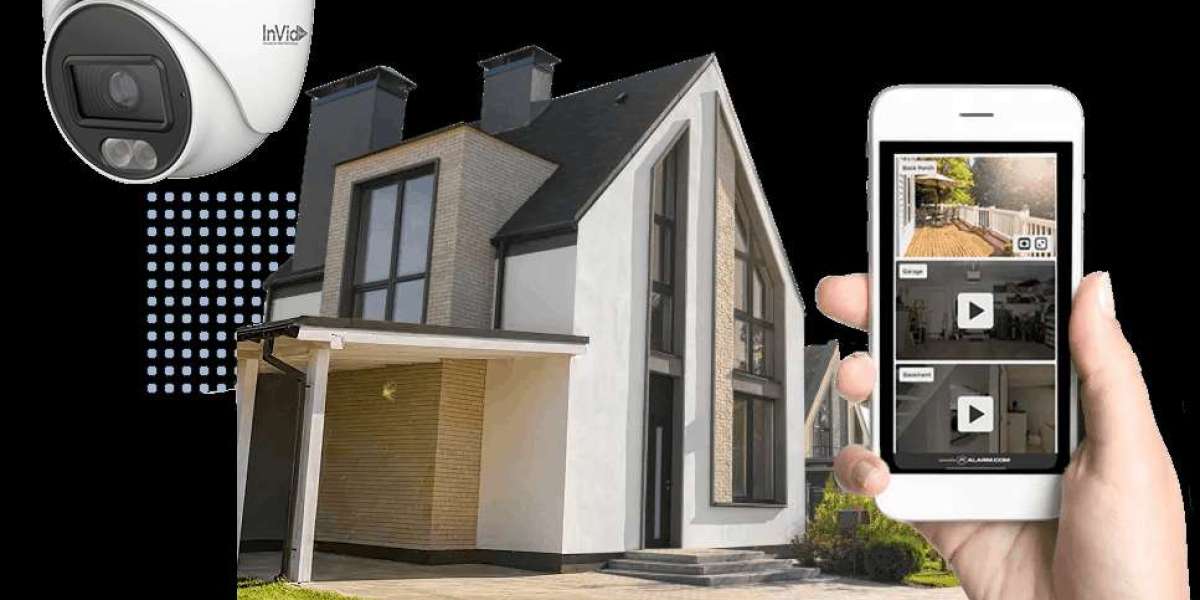
Most folks think putting up home security cameras solves everything. Yet placement matters far more than people guess. A spot too high misses faces, one near bright windows creates glare problems. Dust on lenses blurs footage others assume stays sharp. Power resets every few months keep systems awake like morning coffee. Checking recordings weekly reveals gaps before intruders do. Angle tweaks monthly adjust for tree growth nobody tracks. Clear sightlines beat expensive gear any evening in October.
- Right Spot
Most times, where you put a camera decides how well it works. Even high-end models fail if set up in the wrong spot. Entry areas need attention first - think front entrances, rear exits, garages, lower windows. Location shapes what gets recorded, plain as that.
High up helps keep prying hands off, yet near enough to see facial details. Cover broad zones by angling thoughtfully - fewer gaps mean fewer risks hidden from view. Sunlight head-on leads to blurry highlights; steer clear of such harsh beams. Placement done right pulls double duty: seen well, working harder without shouting it.
- Ensure Strong Lighting
Darkness challenges every camera, no matter the quality. Though some have night vision, sharp images usually need decent light around them. Outdoor lights that turn on when movement happens make nights clearer. These same lights also tend to keep unwanted visitors away.
Start by placing indoor cameras where light stays steady, either from windows or room lamps. That way, videos won’t come out blurry or dark. Clear lighting means clearer video, which makes it easier to see things like what someone was wearing. Sometimes even small details stand out better - like a tag on a bag or shade of hair. Shadows tend to hide clues; bright spots reveal them.
- Keep Lenses Clean and Clear
Most folks figure this out quickly - grime on the glass messes up what the camera sees. Dirt, bits of flowers, leftover raindrops, maybe even tangled web strings, they all smear or hide parts of the view. Outdoor units face more gunk piling on, slowly making everything look foggy.
Every now and then, wipe down the lenses using a soft microfiber cloth. When gear stays outdoors, think about adding basic shields that block heavy sunlight and keep out raindrops. Spending just some minutes each month might mean seeing everything sharply instead of staring at foggy video.
- Secure Your Network
Most break-ins start online when weak networks give hackers an open door. Cameras tied to Wi-Fi need safeguards that match the locks on doors. Hackers often scan for devices still using factory settings, so swapping those out comes first. A fresh login name plus a long password cuts danger sharply. Some systems let you add a second check - use it whenever possible. Security grows stronger when small steps stack up behind the scenes.
Every now then, fresh code rolls out from makers. When it does, holes that hackers might poke through get patched. Some changes also tweak how fast things run. Staying on top of these pushes keeps glitches quieter. Systems breathe easier when new fixes slide into place.
- Adjust storage and recording options
Most of the time, a camera's real test comes down to what it actually saves. If catching every key moment matters, take a look at how storage and recording are set up. Some setups send videos to the cloud, others rely on memory cards or hard drives nearby. Pick whatever lines up with how you plan to use it, making sure there is space to keep going without stopping.
Start by tweaking how your device saves videos so it does not fill up too fast. Crisp visuals need extra space on the drive. When movement kicks off the camera, you get clips only when needed. Check saved files now and then just to see if things run smoothly.
- Check systems regularly
Most tech gear runs better with regular attention, including home security cameras. Try checking live views now and then, see if movement triggers alerts properly, while making sure recordings actually save. Spotting glitches early - say, shaky connections, poor reception, or draining power in cord-free units - becomes easier when you stay involved. Each small look can prevent bigger headaches later on.
Every couple of weeks, running through basic tests means surprises stay away when your setup matters most. Knowing the cameras watch over things brings a quiet kind of comfort. A working system feels less like effort, more like background assurance.
Putting It All Together
Most folks think better cameras mean big spending. Truth is, tiny habits matter more than fancy gear. Put them where they see everything without shadows blocking faces. Light matters - bad light ruins footage every time. Wipe lenses now and then; dust messes with clarity. Your Wi-Fi needs a strong password so hackers stay out. Change how often it saves clips based on what happens most at home. Peek once a month to make sure everything still works right. Little steps, done steady, do the heavy lifting.
Peace of mind grows when cameras perform well. Instead of simply capturing scenes, they discourage unwanted actions too. Because they work right, trust in safety rises - yours along with it. Evidence stays clear if systems run strong.
True enough, cameras help - yet they shine brightest alongside other safeguards. When joined by solid locks, bright lights, or alert systems, homes gain depth in defense. That mix? It just makes sense.