
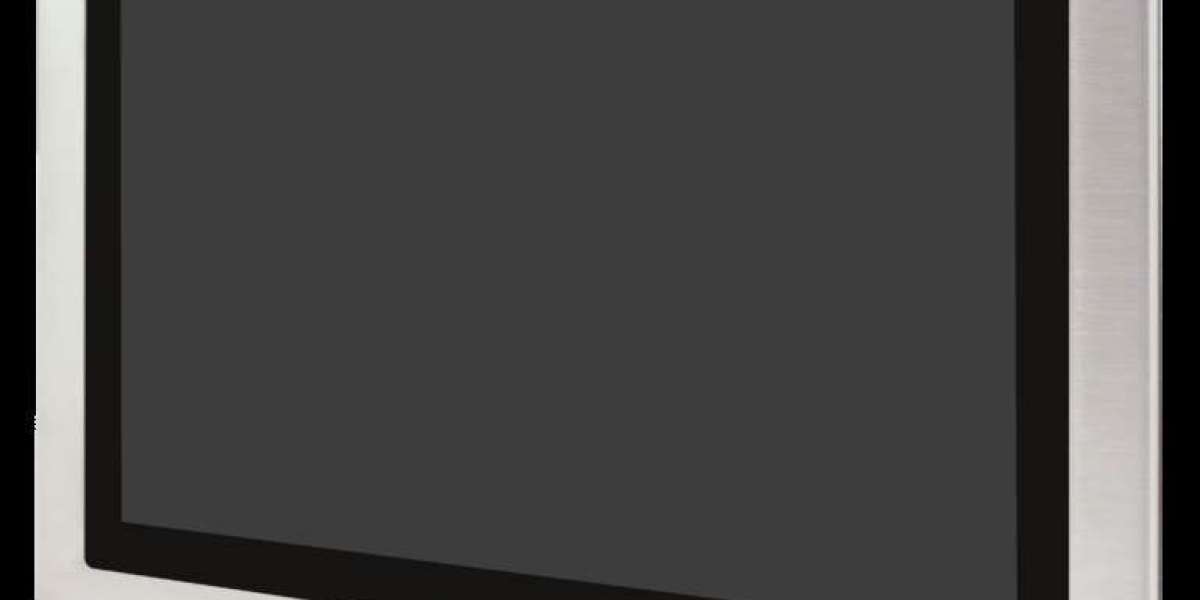
A standard industrial panel PC is protected at the front. The rear, the connectors and the ventilation openings are designed for a control cabinet, where they stay dry and clean. As soon as a computer has to stand directly in a wet production area, in a room cleaned with high-pressure water or in a dusty, aggressive environment, that is no longer enough.
A fully enclosed stainless steel PC solves this problem. The entire housing, front, rear and sides, is made of stainless steel and sealed, so the device can be installed openly at the machine or on a stand and cleaned like the rest of the equipment. Display, touch, computer and connections form one sealed unit.
This guide explains what to look for when buying a fully enclosed stainless steel PC: protection classes, stainless steel grades, touch technology, performance, interfaces, power supply, operating system and mounting, followed by a checklist you can use for your next request.
Protection classes: what IP65, IP67 and IP69K really mean
The IP code describes how well a housing is protected against solid particles (first digit) and water (second digit). For a fully enclosed stainless steel PC, three ratings are typical:
Rating | Dust | Water | Test conditions (simplified) |
IP65 | Dust-tight | Water jets | Nozzle 6.3 mm, about 12.5 L/min, from any direction |
IP67 | Dust-tight | Temporary immersion | Immersion up to 1 m for 30 minutes |
IP69K | Dust-tight | High-pressure, high-temperature cleaning | Water at 80 °C, 80–100 bar, close distance, from several angles (ISO 20653) |
Three points buyers often overlook:
- Ratings are not automatically cumulative. A device rated IP67 has passed an immersion test, but that does not prove it withstands water jets. That is why robust devices often carry combined ratings such as IP67/IP69K.
- Check where the rating applies. "IP65 front" protects only the front. A fully enclosed PC should state its rating for the complete housing, including cable entries and connectors.
- Water is not the only medium. IP ratings are tested with water. Cleaning agents, disinfectants, oils or salt water are not covered by the IP code and must be assessed separately.
For production areas that are cleaned with high-pressure or steam cleaners, IP69K is the rating to look for.
Stainless steel grades: AISI 304 or AISI 316?
Not all stainless steel is the same. Two grades are common for industrial PC housings:
AISI 304 (V2A, also SUS304) | AISI 316 (V4A, also SUS316) | |
Composition | Chromium-nickel steel | Like 304, plus about 2–3 % molybdenum |
Corrosion resistance | Very good in most environments | Higher, especially against chlorides (salt) |
Typical environments | General production, most food applications, indoor areas | Salty or chloride-rich media, aggressive cleaning, coastal and marine use |
Cost | Lower | Higher |
How to choose: For most dry or occasionally cleaned production areas, AISI 304 is sufficient. If the device is exposed to salt, brine, chloride-containing cleaning agents or very frequent wet cleaning, AISI 316 offers more reserve against pitting corrosion.
Two practical tips:
- Ask which grade is used for which part. Some devices use different grades for the front, the housing and the mounting parts.
- Check your cleaning agents. Even stainless steel can be damaged by aggressive agents such as hypochlorites if they are not rinsed off properly. Follow the cleaning instructions of the device manufacturer.
Further buying criteria
Touch technology
Projected capacitive touch (PCAP) sits behind a closed glass surface. This makes it easy to clean and well suited to sealed front designs, and it supports multi-touch. If operators wear thick gloves or the screen is often wet, check the touch controller's glove and water-rejection settings, or consider resistive touch.
Display size and readability
Choose the size by the operator task: 10" is enough for compact operating screens, larger displays suit complex visualisations or MES applications. Check brightness and viewing angle if the device is installed under strong lighting or viewed from the side.
Performance, memory and storage
For visualisation, data entry and web-based applications, energy-efficient processors such as Intel Celeron or Atom are often sufficient and run cool in a sealed housing. Plan RAM and SSD capacity for your software, plus reserve for updates.
Thermal design
A fully enclosed housing has no ventilation openings, so heat must be dissipated through the housing itself. Fanless designs with low-power processors avoid moving parts and openings. Ask for the operating temperature range and check it against the ambient temperature at the installation site.
Interfaces and cable entries
Check which connections you need: Ethernet, USB, serial (COM) and expansion slots. Just as important is how the cables enter the housing. Sealed connectors or cable glands must maintain the rated protection class.
Power supply
A wide DC input range, for example 9–36 V DC, makes integration into machines and vehicles easier. Check whether your installation needs AC power instead.
Operating system and lifecycle
Check which operating system edition is installed and how long it will receive security updates. For devices that will run for many years, long-term support editions matter.
Mounting
Fully enclosed PCs are often mounted on stands, swivel arms or wall brackets rather than in a cut-out. Make sure the mounting interface itself is designed for wet cleaning and does not create hard-to-clean gaps.
Buyer’s checklist
Use this list when requesting quotes for a fully enclosed stainless steel PC:
Question | Why it matters |
Which IP rating applies to the complete housing, including connectors? | Only a full-housing rating protects against washdown |
Is IP69K included, if high-pressure or steam cleaning is used? | IP67 alone does not cover high-pressure jets |
Which stainless steel grade is used for which part? | 316 gives more reserve against chlorides |
Which touch technology, and does it work with gloves and water? | Operators must be able to use it in real conditions |
What is the operating temperature range, and is the design fanless? | Sealed housings must dissipate heat without openings |
Which interfaces and how are cables sealed? | Cable entries are typical weak points |
What power supply range is supported? | Must match the machine or installation |
Which OS edition, and how long is it supported? | Security updates over the device's lifetime |
How is the device mounted? | Mounting must be cleanable and stable |
Which documents are available? | Datasheet, IP test confirmation, declarations of conformity |
Example: the Pericom ST108 fully enclosed stainless steel PC
The Pericom ST108 is a fully enclosed stainless steel PC designed for demanding environments:
Feature | Pericom ST108 |
Display | 10.1" TFT, 1280 × 800 pixels |
Touch | Projected capacitive (PCAP) |
Processor | Intel Celeron J6412, 2.0 GHz |
Memory | Up to 32 GB RAM |
Storage | 128 GB SSD |
Interfaces | Gigabit LAN, 2 × USB, 1 × COM, expansion slot |
Power supply | 9–36 V DC |
Protection class | IP67 / IP69K |
Housing | Stainless steel (SUS304/316) |
Operating system | Windows 10 IoT |
With its compact 10.1" format, PCAP touch behind a closed front and IP67/IP69K protection, the ST108 suits operating stations directly at the machine, in production areas that are cleaned regularly and in environments where a standard panel PC would not survive.
For details such as operating temperature, mounting options and the exact operating system edition, request the datasheet or contact the Pericom team.
Frequently asked questions
What is a fully enclosed stainless steel PC?
An industrial computer whose complete housing, not only the front, is made of stainless steel and sealed. It combines display, touch and computer in one unit that can be installed openly and cleaned with water.
What is the difference between IP67 and IP69K?
IP67 means the device is dust-tight and withstands temporary immersion up to 1 m for 30 minutes. IP69K means it withstands high-pressure, high-temperature water jets, tested with water at 80 °C and 80–100 bar. The tests are different, which is why devices for washdown areas often carry both ratings.
Do I need AISI 304 or AISI 316?
AISI 304 is suitable for most production environments. AISI 316 contains molybdenum and offers better resistance to chlorides, which matters for salty media or chloride-containing cleaning agents.
Can I clean a fully enclosed stainless steel PC with a high-pressure cleaner?
Only if it is rated IP69K and the cleaning procedure matches the manufacturer's instructions. Also check that your cleaning agents are compatible with the housing, seals and front glass.
Why are fully enclosed PCs usually fanless?
A fan needs openings for air flow, which would break the seal. Fully enclosed designs therefore use energy-efficient processors and dissipate heat through the housing.
Does a fully enclosed stainless steel PC work with gloves?
That depends on the touch technology and its settings. PCAP touch can support glove operation if configured accordingly; test it with the gloves your operators actually use.
Read More: https://tecsysproductguides.blogspot.com/2026/10/fully-enclosed-stainless-steel-pc.html