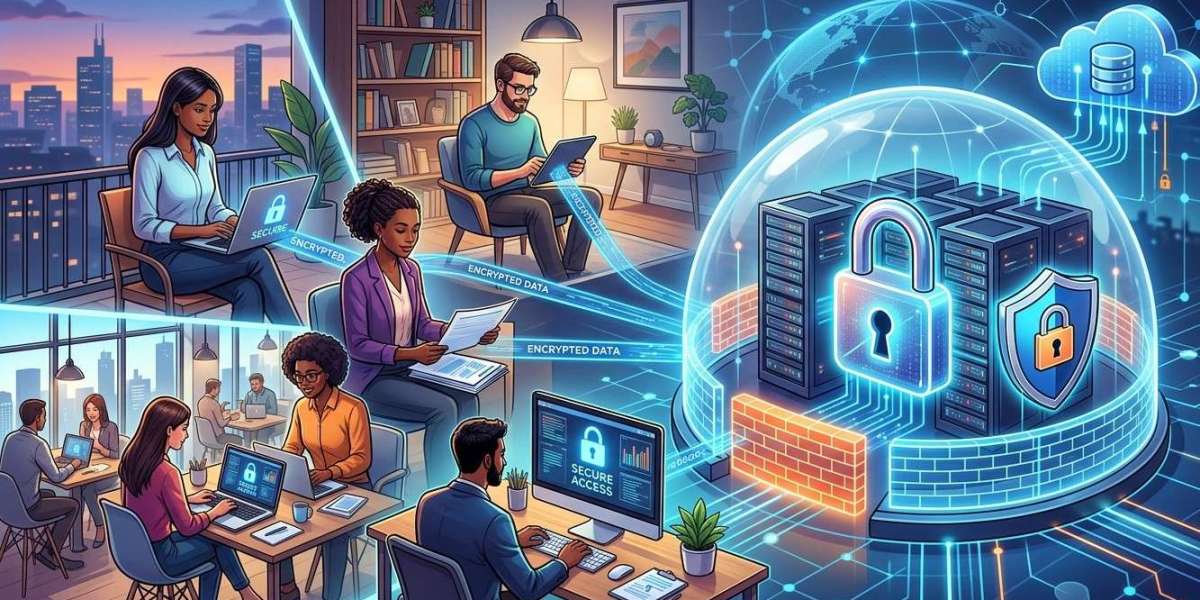
Modern businesses are no longer limited to a single office location. Employees may work from home, travel for business, visit customers, or operate from different branches. At the same time, businesses increasingly depend on cloud applications, shared files, online communication platforms, and remote management tools to keep operations moving.
Remote access makes this flexibility possible by allowing employees and authorized IT professionals to connect to business systems from outside the office. However, convenient access can also create security risks if remote connections are not properly protected. Weak passwords, unsecured networks, outdated devices, and poorly configured remote access tools can provide opportunities for unauthorized users to access business systems.
For businesses seeking Business IT Support Albany, NY, establishing secure remote access should be an important part of their overall technology strategy. With professional assistance from Precision Fix, businesses can take a proactive approach to remote access, network security, device management, and cybersecurity.
What Is Remote Access?
Remote access allows an authorized user to connect to a computer, network, application, or business resource from a different location.
Depending on the organization's needs, remote access may allow employees to:
Access business applications
Connect to company files
Work with cloud services
Use remote desktops
Access internal systems
Communicate with coworkers
Connect to business networks
Receive technical assistance
Remote access can improve flexibility and productivity, but it must be implemented carefully. Every remote connection can potentially become an entry point into the organization's technology environment.
Why Secure Remote Access Matters
Remote access is convenient, but convenience should not come at the expense of security.
An improperly secured remote connection can expose sensitive information or provide attackers with access to internal systems. If an employee's credentials are stolen, an attacker may attempt to use those credentials to access business resources remotely.
Secure remote access helps businesses control who can connect, how they connect, and what resources they can access.
A strong remote access strategy can help protect:
Customer information
Business documents
Financial records
Employee information
Internal applications
Company credentials
Intellectual property
Business communications
Security should therefore be considered before remote access tools are deployed.
Use Multi-Factor Authentication
Passwords alone may not provide sufficient protection for remote access.
Multi-factor authentication (MFA) adds another verification step before a user can access a protected system. In addition to entering a password, the user may need to provide a code, approve a notification, or use another authentication method.
MFA can provide an additional layer of protection if a password is compromised.
Businesses should consider enabling MFA for important services such as:
Email accounts
Cloud applications
Remote desktops
VPN connections
Administrative accounts
Business management platforms
Strong authentication is one of the most important components of a modern cybersecurity strategy.
Use Secure Remote Access Technologies
Businesses should use remote access technologies that provide appropriate security controls.
Depending on the business environment, this may include:
Virtual private networks
Secure remote desktop solutions
Cloud-based identity platforms
Zero-trust access solutions
Secure remote management tools
The appropriate solution depends on the systems being accessed, the number of users, and the organization's security requirements.
Businesses should avoid exposing internal services directly to the public internet unless there is a specific security reason and appropriate protection in place.
Keep Remote Devices Updated
A secure remote connection is only as strong as the device being used to access business systems.
Employees may use company laptops, desktops, or mobile devices to connect remotely. If those devices are running outdated operating systems or applications, attackers may be able to exploit known vulnerabilities.
Businesses should maintain regular updates for:
Operating systems
Web browsers
Business applications
Security software
VPN clients
Remote access applications
Device firmware
Regular computer maintenance can help keep remote devices secure and reliable.
Protect Remote Devices With Endpoint Security
Remote employees often use devices outside the physical protection of the office.
A company computer may connect to networks at home, hotels, airports, coffee shops, or other public locations. Endpoint security can help protect these devices against malware and other threats.
Security measures may include:
Antivirus or endpoint protection
Firewall configuration
Device encryption
Security monitoring
Application controls
Automatic updates
Threat detection
Businesses should also maintain visibility into company devices so IT teams can identify security problems quickly.
Secure Home and Public Wi-Fi Connections
Remote employees may connect to business systems using different networks.
Home Wi-Fi networks should use strong passwords and appropriate security settings. Employees should also avoid accessing sensitive business systems through unsecured public Wi-Fi whenever possible.
When employees must work from an unfamiliar network, secure remote access technologies can provide additional protection for business communications.
Employee education is important because users may not realize that an unsecured network can increase the risk of exposing sensitive information.
Apply the Principle of Least Privilege
Not every employee needs access to every business system.
The principle of least privilege means users should generally receive only the permissions necessary to perform their jobs.
For example, an employee who needs access to a particular business application may not need administrative access to the entire network.
Limiting permissions can reduce the potential impact of compromised credentials.
Businesses should regularly review user access and remove unnecessary permissions when employees change roles or leave the organization.
Create Separate Access for Employees and Administrators
Administrative accounts have powerful permissions and should receive additional protection.
Businesses should avoid using administrative accounts for routine activities whenever possible.
Separate accounts can help reduce the risk that an everyday activity results in the accidental exposure of administrative credentials.
Administrative remote access should also be carefully monitored and restricted to authorized personnel.
Monitor Remote Access Activity
Businesses should know when remote connections are occurring and whether those connections appear normal.
Monitoring can help identify suspicious activity, such as:
Unexpected login locations
Repeated failed login attempts
Connections at unusual times
Access from unfamiliar devices
Excessive authentication failures
Attempts to access restricted resources
Regular monitoring supports proactive IT support by allowing potential problems to be investigated before they become larger incidents.
Establish a Remote Work Security Policy
Technology controls are important, but employees also need clear guidelines.
A remote work security policy can explain how employees should use business systems outside the office.
The policy may cover:
Approved devices
Password requirements
MFA
Public Wi-Fi
Personal devices
File storage
Software installation
Security incident reporting
Remote access tools
Device locking
Data protection
Employees should receive this information during onboarding and periodically thereafter.
Be Careful With Personal Devices
Some businesses allow employees to access work systems using personal computers or smartphones.
While this can provide flexibility, it also introduces additional risks.
Personal devices may not have the same security controls as company-owned equipment. The business may not know whether the device is updated, protected, or shared with other household members.
If personal devices are permitted, businesses should establish clear Bring Your Own Device (BYOD) policies and determine which systems can be accessed.
In some cases, providing company-managed devices may provide greater control over business information.
Secure Remote IT Support
Remote access is also useful for IT professionals.
IT support teams can remotely troubleshoot computers, install approved software, check system configurations, apply updates, and diagnose technical problems.
However, remote support tools themselves must be properly secured.
Businesses should ensure that remote support access is:
Limited to authorized technicians
Protected by strong authentication
Used only when necessary
Properly monitored
Removed or disabled when no longer required
Secure remote IT support can reduce response times while maintaining appropriate security controls.
Include Remote Access in Disaster Recovery Planning
Remote access can become especially valuable during unexpected disruptions.
If employees cannot reach the office because of severe weather, infrastructure problems, or other emergencies, secure remote access can allow certain business activities to continue.
Businesses should consider remote access as part of their IT disaster recovery and business continuity planning.
However, remote access should be tested before an emergency occurs. Employees need to know how to connect, and IT teams need to verify that critical systems remain accessible and secure.
Review Remote Access Regularly
Remote access requirements can change as businesses grow.
New employees may be added, old accounts may remain active, new applications may be introduced, and employees may change roles.
Businesses should periodically review:
Active remote access accounts
User permissions
Authentication settings
Remote access software
Connected devices
Security logs
VPN configurations
Former employee accounts
Removing unnecessary access is an important part of maintaining a secure technology environment.
How Managed IT Services Can Help
Managing secure remote access requires ongoing attention. Small businesses may not have dedicated IT professionals available to monitor authentication, maintain devices, review permissions, and manage network security.
Managed IT services can provide ongoing assistance with remote access, cybersecurity, device management, network support, software maintenance, and monitoring.
For organizations looking for Business IT Support Albany, NY, professional IT support can help establish secure remote work practices and maintain them as the company grows.
A proactive approach also allows businesses to address potential security weaknesses before they become major operational problems.
FAQs About Secure Remote Access
Why is secure remote access important for businesses?
Secure remote access allows employees and authorized IT professionals to connect to business systems while reducing unnecessary exposure to unauthorized users and potential cyber threats.
Is a VPN enough to secure remote access?
A VPN can be an important security control, but it should not be considered the only protection. Strong authentication, endpoint security, access controls, monitoring, updates, and employee awareness are also important.
Should businesses allow employees to use personal devices?
Businesses can allow personal devices, but they should establish clear BYOD policies and security requirements. For sensitive systems, company-managed devices may provide greater control.
How often should remote access permissions be reviewed?
Remote access permissions should be reviewed regularly and whenever employees change roles, leave the organization, or no longer require access to specific systems.
Can remote access help during a business emergency?
Yes. Secure remote access can help employees continue certain operations when they cannot physically access the workplace. It should be included in business continuity and disaster recovery planning.
Final Thoughts
Secure remote access has become an important part of modern business operations. It allows employees to work from different locations, gives IT professionals the ability to provide remote assistance, and can support business continuity during unexpected disruptions.
However, remote access should be managed as a security responsibility rather than simply a convenience. Multi-factor authentication, secure access technologies, endpoint protection, software updates, least-privilege permissions, monitoring, employee training, and regular access reviews can help businesses create a safer remote working environment.
For organizations searching for Business IT Support Albany, NY, professional assistance can make it easier to manage remote access, cybersecurity, computer support, network security, and ongoing technology maintenance. Precision Fix can help businesses build a more proactive IT environment where employees can work remotely while important business systems and information remain protected.