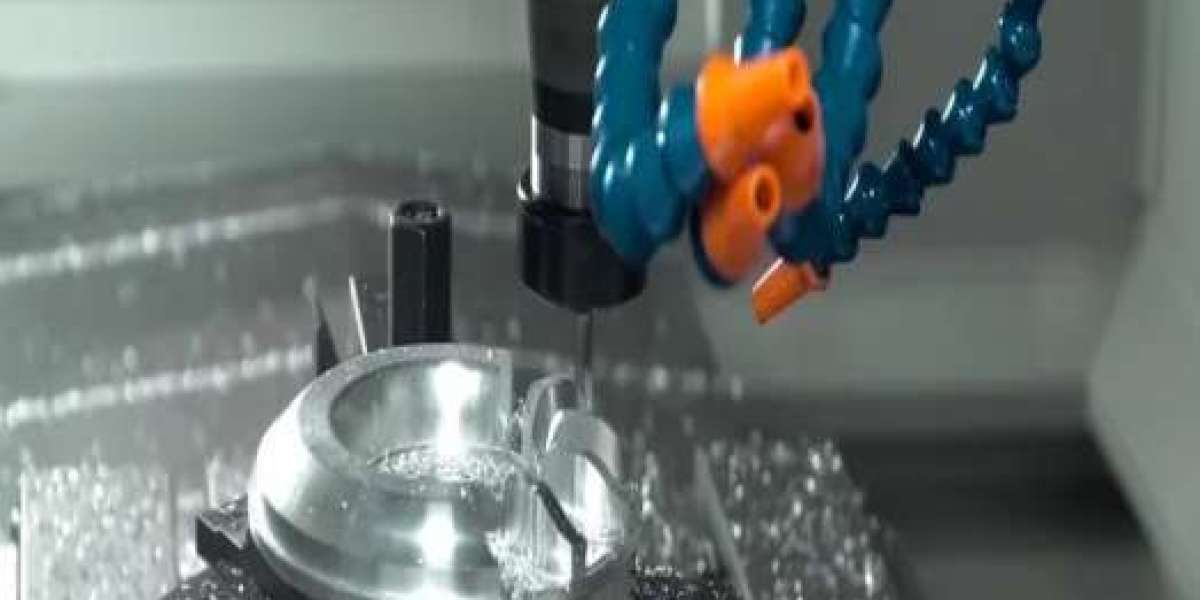
Older CNC machines, PLC systems, industrial controllers and automation equipment can remain productive for many years. However, their storage technology can become a problem long before the machine itself reaches the end of its useful life.
A common example is a failing PCMCIA, SRAM or Linear Flash memory card. When the original card becomes unreliable or unavailable, replacing the entire machine may seem like the only option.
In many cases, it is not.
The key is to identify the original memory technology and replace it with a compatible industrial-grade card rather than trying to use a modern consumer memory card.
The Problem: The Machine Still Works, but the Memory Card Doesn't
A legacy industrial machine may still have perfectly functional motors, controllers, PLCs, displays and mechanical components while its memory card is reaching the end of its service life.
Typical symptoms include:
- The machine no longer detects the memory card
- Programs or configuration data cannot be loaded
- Stored machine parameters disappear
- Data transfers fail intermittently
- The card battery is depleted
- A replacement card is difficult to source
- Modern SD or USB memory cards are not recognized
- Maintenance teams have difficulty backing up legacy machine data
The problem becomes particularly important when the memory card contains CNC programs, machine parameters, configuration files or other operational data.
Replacing the complete machine simply because its storage media has become obsolete can be expensive and disruptive.
The more practical approach is often to replace the memory component while keeping the existing machine and controller in operation.
Technical Explanation: Why You Cannot Simply Use a Modern SD Card
One of the biggest mistakes is assuming that all memory cards work in the same way.
Legacy industrial equipment may have been designed around technologies such as:
- PCMCIA / PC Card
- SRAM
- Linear Flash
- ATA Flash
- ATA hard disks
- 8-bit or 16-bit memory interfaces
A modern SD card uses a completely different interface and communication architecture. Therefore, an SD card cannot simply be inserted into an older PCMCIA-based controller and expected to work.
Compatibility depends on more than physical size.
You need to consider:
- Memory technology
First determine whether the original card is SRAM, Linear Flash or ATA Flash.
Using the wrong technology can result in the machine failing to recognize the card even if the physical format appears similar.
- PCMCIA type and interface
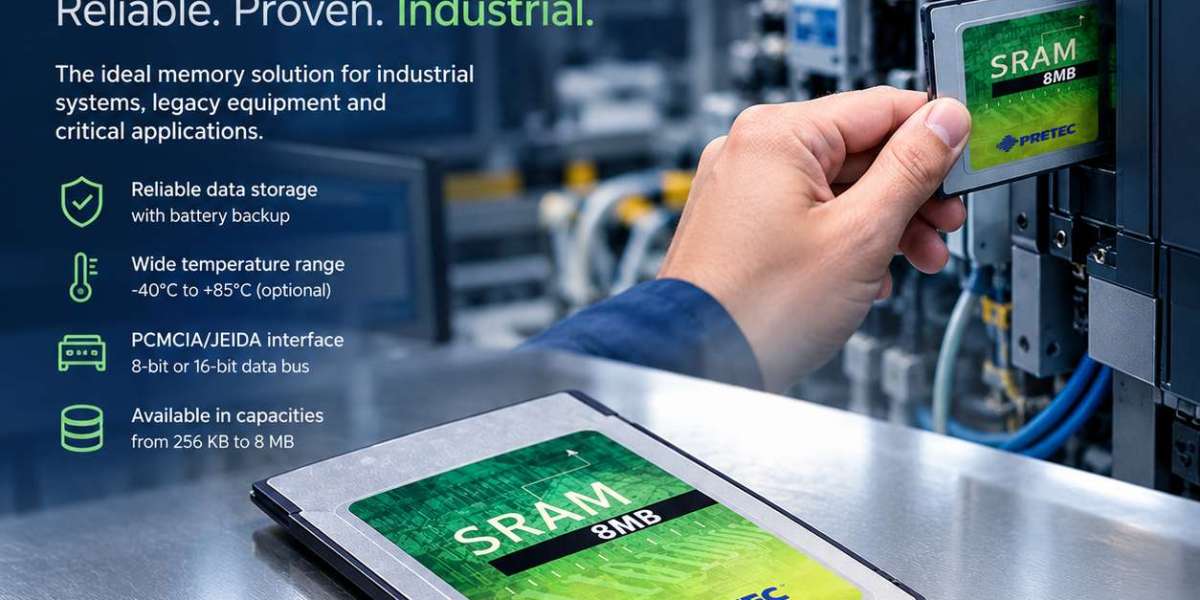
Many legacy systems use PCMCIA Type I cards with a 68-pin connector. TecSys SRAM cards follow the PCMCIA/JEIDA standard and use a Type I form factor.
- 8-bit vs. 16-bit operation
This is particularly important with older equipment.
Some industrial controllers require a specific memory bus configuration. TecSys lists SRAM options for 8-bit and 16-bit operation, including dedicated 8-bit and 16-bit variants.
- Attribute memory
Some legacy controllers require a card with attribute memory, while others do not.
TecSys provides both SRAM cards with attribute memory and without attribute memory, allowing the replacement to be matched to the original system requirements.
- Battery-backed data
Unlike modern flash storage, SRAM cards require a battery to retain stored data.
This makes battery condition an important consideration when replacing or maintaining a legacy SRAM card. TecSys currently supplies these SRAM cards with replaceable button cells.
The Solution: Replace the Memory, Not the Machine
A structured replacement process can help extend the useful life of legacy equipment.
Step 1: Identify the existing card
Before ordering a replacement, record:
- Card manufacturer and part number
- Memory capacity
- SRAM or Flash technology
- PCMCIA/PC Card type
- 8-bit or 16-bit operation
- Attribute memory requirements
- Operating temperature requirements
- Machine/controller model
The original card's label, machine documentation or controller manual can provide valuable information.
Step 2: Match the electrical and mechanical specifications
The replacement should match the requirements of the controller—not simply the storage capacity.
For example, TecSys PCMCIA SRAM cards use a 68-pin PCMCIA/JEIDA interface and are available in capacities from 256 KB to 8 MB, with different temperature ranges and bus configurations.
Step 3: Consider the operating environment
Industrial equipment may operate in environments where commercial memory cards are unsuitable.
Depending on the application, TecSys SRAM cards are available for:
- Standard: 0°C to +70°C
- Industrial: -20°C to +85°C
- Extended: -40°C to +85°C
Step 4: Back up the existing data
If the original card is still readable, create a backup before replacing it.
This can be useful for:
- CNC programs
- Machine parameters
- Configuration files
- Production data
- Service information
A compatible PC Card reader can provide a practical way to access legacy memory from a modern computer.
TecSys Solution: PCMCIA SRAM Cards and OmniDrive
TecSys offers PCMCIA SRAM cards specifically for applications where legacy industrial memory compatibility remains important.
The SRAM cards are available with or without attribute memory and feature a built-in write-protect switch. They use replaceable batteries and are offered in multiple capacities and temperature ranges.
For data transfer and backup, the OmniDrive USB 2 LF provides a USB-connected interface for compatible PC Card memory. TecSys states that it supports 16-bit Linear Flash and SRAM Cards, ATA Flash and ATA hard disks, as well as additional card formats using adapters.
For 8-bit SRAM cards, TecSys specifically notes that the OmniDrive USB 2.0 LF/SD 8-Bit (ART0020726) is often required.
This creates a practical workflow:
Legacy machine → compatible industrial memory card → OmniDrive → modern PC for backup/data management
The result is that the storage technology can be renewed while the existing machine, controller and automation system remain in service.
What to Check Before Ordering
Before purchasing a replacement legacy memory card, confirm:
Requirement | What to check |
Memory type | SRAM, Linear Flash or ATA Flash |
Interface | PCMCIA / PC Card / JEIDA |
Capacity | Match the controller requirement |
Bus | 8-bit or 16-bit |
Attribute memory | Required or not required |
Temperature | Standard, Industrial or Extended |
Battery | Required for SRAM |
Reader | Compatible USB/PC Card reader if data transfer is needed |
The important point is compatibility—not simply choosing a card with the same storage capacity.
Conclusion
A failing legacy memory card does not necessarily mean that an otherwise functional CNC machine, PLC or industrial controller needs to be replaced.
By identifying the original memory technology, checking interface and bus requirements, matching capacity and temperature specifications, and using a suitable reader for data transfer, companies can often maintain existing equipment while addressing an aging storage component.
Read More: https://tecsysproductguides.blogspot.com/2026/09/how-to-replace-legacy-industrial-memory.html