
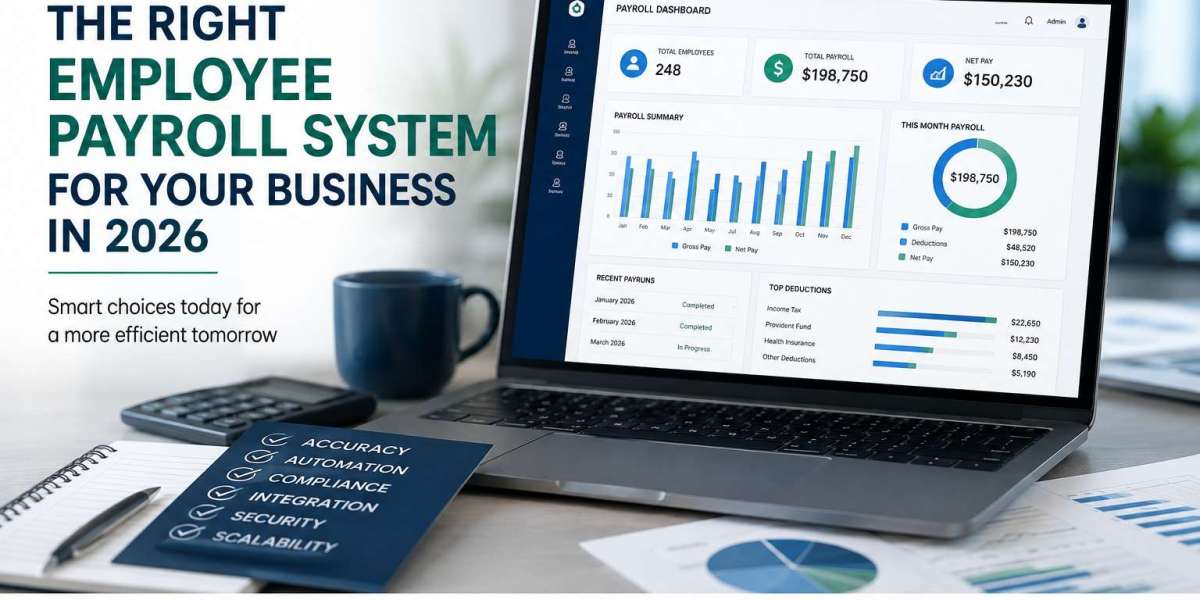
Choosing an employee payroll system in 2026 is no longer just about calculating salaries and generating payslips. Modern businesses need payroll technology that can reduce manual work, improve accuracy, support compliance, protect sensitive employee data, and scale as the workforce grows.
With payroll increasingly connected to HR, attendance, benefits, finance, and employee self-service, selecting the right platform requires looking beyond basic payroll processing. Current payroll guidance increasingly emphasizes automation, scalability, compliance, reporting, employee self-service, security, and integration capabilities.
For businesses evaluating an employee payroll system this year, here are the key factors to consider.
What Is an Employee Payroll System?
An employee payroll system is software designed to manage the complete payroll process, from employee information and salary calculations to deductions, payslips, payroll reports, and payments.
A modern payroll platform can also connect payroll with other business processes such as:
- Employee information
- Attendance and working hours
- Leave management
- Benefits and deductions
- Tax and compliance calculations
- Employee self-service
- Payroll reporting
- HR management
- Accounting and finance
Instead of managing payroll through spreadsheets and disconnected systems, businesses can centralize payroll information and automate repetitive processes.
- Start With Your Current Payroll Challenges
Before comparing payroll systems, identify where your current payroll process creates problems.
Ask yourself:
- How much payroll work is still performed manually?
- Are payroll errors occurring regularly?
- How long does each payroll cycle take?
- Are HR and finance teams entering the same information multiple times?
- Are employees frequently asking HR for payslips or payroll information?
- Is payroll data difficult to access or report?
- Are compliance requirements becoming difficult to manage?
- Can your current system handle business growth?
This assessment gives you a practical list of requirements rather than choosing software based purely on its feature list.
The goal
The right payroll system should solve your actual operational problems, not simply provide more features.
- Look for Payroll Automation
Automation should be one of the most important criteria when selecting payroll software in 2026.
Modern payroll systems can automate repetitive processes such as:
- Salary calculations
- Deductions
- Payroll processing
- Payslip generation
- Payroll reports
- Employee data updates
- Time and attendance information
- Leave-related payroll adjustments
- Notifications and approvals
Payroll automation can reduce repetitive administrative work and help HR teams focus on higher-value activities. Recent payroll guidance also identifies automation as an increasingly important part of modern payroll technology.
However, automation should not mean losing control. Look for a system that provides clear approvals, audit trails, exception handling, and visibility into automated processes.
- Prioritize Payroll Accuracy
Even a small payroll error can create unnecessary work for HR and frustration for employees.
Your payroll system should help maintain accurate employee information and ensure that changes flow correctly through payroll.
Look for capabilities such as:
- Centralized employee records
- Automated calculations
- Validation checks
- Payroll approval workflows
- Error notifications
- Historical payroll records
- Audit trails
- Real-time data updates
A modern system should minimize duplicate data entry because every additional manual step creates another opportunity for mistakes.
- Check Compliance Capabilities
Payroll compliance is another major consideration when choosing a system.
Payroll regulations can change, and businesses may have different requirements depending on their location, workforce structure, and employment arrangements.
Your payroll platform should make it easier to manage:
- Tax calculations
- Statutory deductions
- Payroll documentation
- Compliance reporting
- Employee records
- Audit requirements
- Regulatory changes
A good payroll system should support your compliance process rather than making your HR team manually track every requirement.
- Choose a System That Can Scale
A payroll system that works for 20 employees may not be suitable when your company reaches 200, 500, or 1,000 employees.
Think about where your business is going—not only where it is today.
Consider whether the system can support:
- Increasing employee numbers
- Multiple departments
- Multiple locations
- Different employee types
- New compensation structures
- Additional payroll requirements
- Growing reporting requirements
- Integration with additional business systems
Scalability is increasingly important because companies can quickly outgrow systems that were configured only for their current workforce.
- Consider Employee Self-Service
Employees increasingly expect to access their own payroll information without contacting HR for every request.
An employee self-service portal can allow workers to:
- View payslips
- Access payroll documents
- Review personal information
- Submit relevant requests
- View payroll-related information
- Receive notifications
This can reduce repetitive HR queries while giving employees faster access to information.
Mobile accessibility is also becoming an important consideration when evaluating modern payroll platforms.
- Look at Integrations
Payroll shouldn't operate as an isolated system.
Before selecting a platform, check whether it can integrate with the systems your business already uses.
Potential integrations include:
HR → Payroll → Attendance → Leave → Benefits → Accounting → Finance
For example, employee working hours can flow from an attendance system into payroll rather than being manually entered by HR.
Similarly, payroll information can be connected with accounting systems to reduce duplicate data entry.
Ask vendors:
"Can this payroll system integrate with the systems we already use?"
If the answer is unclear, request a technical demonstration before purchasing.
- Don't Ignore Payroll Data Security
Payroll systems contain highly sensitive information, including employee identities, salaries, bank details, tax information, and other personal data.
Security should therefore be a core purchasing criterion—not an afterthought.
Look for:
- Role-based access
- Strong authentication
- Encryption
- Audit logs
- Secure backups
- Controlled administrator permissions
- Data protection policies
- Reliable hosting infrastructure
Security and governance are becoming increasingly important as organizations manage more sensitive workforce information digitally. Recent 2026 reporting highlights growing employer concern around employee-data privacy and security.
- Evaluate Reporting and Analytics
Payroll isn't only about paying employees.
Payroll data can also help management understand workforce costs and trends.
Look for customizable reports covering areas such as:
- Total payroll costs
- Department costs
- Overtime
- Deductions
- Employee compensation
- Payroll history
- Workforce expenses
- Payroll trends
The right reporting capabilities can help HR and finance teams make better decisions using current payroll data.
- Consider AI and Intelligent Automation Carefully
AI is becoming a major part of HR technology in 2026, but businesses shouldn't choose payroll software simply because it has an "AI" label.
Instead, ask what the AI actually does.
Useful applications may include:
- Identifying unusual payroll data
- Automating routine employee queries
- Assisting with payroll analysis
- Finding potential errors
- Generating reports
- Helping employees locate payroll information
- Supporting HR workflows
The broader HR industry is moving toward AI-assisted and proactive workforce management, but human oversight, transparency, and responsible use remain important.
Employee Payroll System: A Practical Buying Checklist
Before making your final decision, compare potential systems against these criteria:
Feature | What to Look For |
Payroll automation | Automated calculations and processing |
Accuracy | Validation, approvals and error controls |
Compliance | Tax, statutory and reporting support |
Scalability | Ability to support workforce growth |
Employee self-service | Payslips and employee payroll access |
Integration | HR, attendance, leave and accounting connectivity |
Security | Access control, encryption and audit trails |
Reporting | Customizable payroll and workforce reports |
Usability | Easy interface for HR, finance and employees |
Support | Responsive technical and customer support |
AI/automation | Practical features that reduce manual work |
Customization | Ability to adapt to business-specific payroll rules |
Common Mistakes to Avoid
❌ Choosing based only on price
The cheapest payroll system isn't necessarily the most cost-effective. Consider the total cost of ownership, including implementation, support, integrations, training, and future scaling.
❌ Choosing too many features
More features don't automatically mean a better payroll system. Focus on the features your business actually needs.
❌ Ignoring integrations
A payroll system that doesn't communicate with your HR, attendance, accounting, or finance tools can create additional manual work.
❌ Forgetting employee experience
Payroll affects every employee. A complicated system can increase HR workload and employee frustration.
❌ Not testing the system
Before committing, request a demonstration or trial where possible. Test real business scenarios rather than simply watching a generic product presentation.
How to Make the Final Decision
A simple evaluation process can help narrow your options.
Step 1: Identify your requirements
Create a list of your current payroll problems and business requirements.
Step 2: Define your must-have features
Separate essential features from optional features.
Step 3: Shortlist suitable systems
Compare vendors based on functionality, scalability, integrations, security, and support.
Step 4: Request a demonstration
Ask vendors to demonstrate your actual payroll scenarios.
Step 5: Test integration and reporting
Make sure the system can work with your existing technology.
Step 6: Evaluate the long-term value
Consider whether the platform can continue supporting your business as it grows.
Final Thoughts
The right employee payroll system in 2026 should do much more than calculate salaries. It should help your business create a payroll process that is accurate, automated, secure, compliant, scalable, and easier for both HR teams and employees to use.
The strongest systems are becoming part of a broader connected HR environment, linking payroll with employee data, attendance, leave, reporting, finance, and self-service rather than operating as a standalone tool.
For businesses considering a new payroll platform, the key question isn't simply:
"Which payroll software has the most features?"
Instead, ask:
"Which payroll system can solve our current challenges while supporting where our business is going next?"
That shift in thinking can help you choose a payroll solution that delivers value today—and continues to do so as your organization grows.
Explore a Modern Payroll Solution
If you're looking for a payroll platform that can be adapted to your organization's requirements, explore DigiCoreSuite and evaluate how a more connected payroll and HR approach can support your business.
Read More: https://techhorizonsolutions.blogspot.com/2026/08/how-to-choose-right-employee-payroll.html