
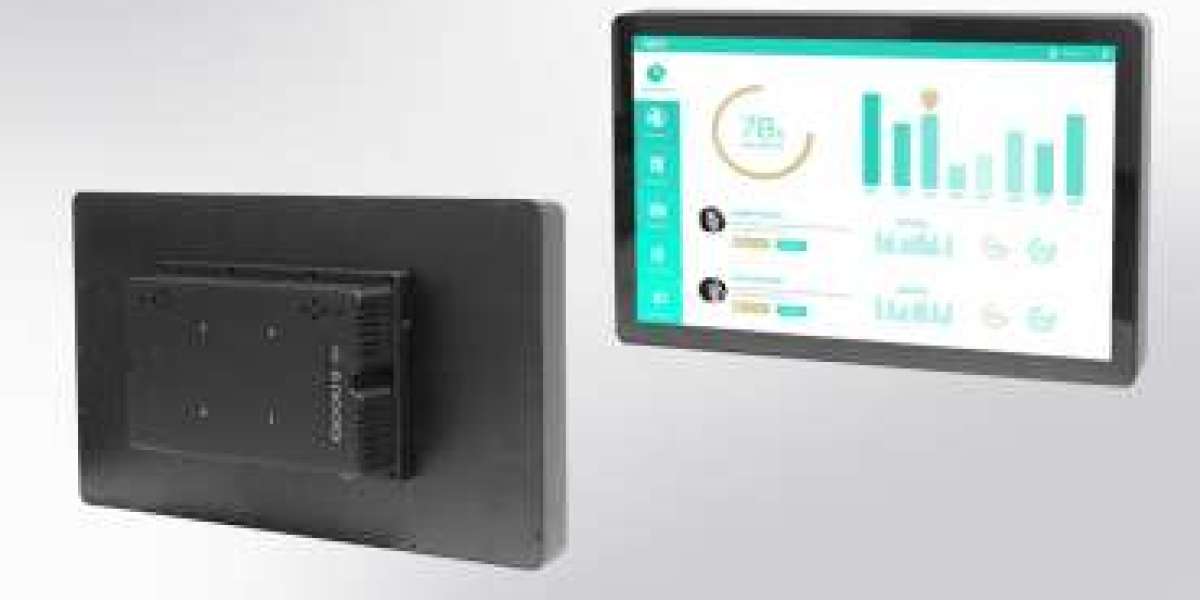
Buying a 21.5 inch industrial monitor online may look simple at first glance. Many listings appear similar, specifications overlap, and price differences can be confusing. However, for industrial applications, the wrong choice can lead to downtime, compatibility issues, and higher long-term costs.
This guide helps industrial buyers understand what truly matters when selecting a 21.5 inch industrial monitor online and how to make a confident purchasing decision.
Why 21.5 Inches Is a Popular Industrial Size
The 21.5 inch format has become a standard in industrial HMI and control environments because it offers:
- Large enough screen space for dashboards and visualization
- Comfortable operator viewing distance
- Efficient use of panel space
- Compatibility with modern interface layouts
It balances readability and installation flexibility, making it suitable for automation panels, control rooms, kiosks, and industrial PCs.
Industrial vs Commercial Monitors: Know the Difference
One of the most common buying mistakes is choosing a commercial monitor instead of an industrial one.
Industrial monitors are designed for:
- 24/7 continuous operation
- Wide temperature environments
- Vibration and dust exposure
- Long product lifecycles
Commercial displays are built for office use and may fail under industrial stress. Even if the upfront cost is lower, replacement and downtime costs are much higher.
Key Factors to Evaluate Before Buying
- Build Quality and Materials
Industrial environments demand durable construction. Look for:
- Metal chassis instead of plastic
- Industrial mounting options
- Shock and vibration resistance
A rugged housing protects internal components and extends lifespan.
- Mounting and Integration Compatibility
Before purchasing, confirm how the monitor will be installed:
- Panel mount
- Chassis mount
- VESA mount
- Control cabinet integration
Improper fit can lead to redesign costs or installation delays.
- Display Performance
Visual clarity affects operator efficiency.
Important display factors include:
- Brightness levels
- Viewing angles
- Anti-glare surface
- Resolution and aspect ratio
Industrial lighting conditions can be harsh, so visibility must remain stable.
- Touch Technology (If Required)
If your application uses touch interaction, evaluate:
- Projected capacitive (PCAP) vs resistive touch
- Glove compatibility
- Response accuracy
- Surface durability
Industrial touchscreens must perform reliably even with gloves or moisture.
- Environmental Tolerance
Check the monitor’s operating specifications:
- Temperature range
- Dust protection
- Humidity tolerance
- Sealed front design
Industrial installations often face extreme conditions that consumer displays cannot handle.
- Connectivity and Interface Support
Compatibility with existing systems is critical.
Look for:
- HDMI / DisplayPort / VGA options
- USB touch interface
- Industrial connectors if required
- Stable signal performance
Ensure the monitor integrates smoothly with your Panel PC or controller.
- Lifecycle Availability
Industrial projects are long-term investments.
A good supplier provides:
- Long product availability
- Controlled hardware revisions
- Spare part support
- Replacement compatibility
This prevents costly redesigns later.
Price vs Total Cost of Ownership
The cheapest option is rarely the best decision.
Industrial buyers should evaluate:
- Expected lifespan
- Maintenance frequency
- Downtimes avoided
- Replacement risk
A higher-quality monitor often reduces total lifecycle costs.
Choosing a Reliable Supplier
Beyond the product itself, supplier reliability matters.
Look for vendors that offer:
- Technical documentation
- Industrial expertise
- Pre-sales consultation
- After-sales support
A strong supplier partnership reduces project risk.
Common Mistakes to Avoid
- Buying based on price alone
- Ignoring environmental ratings
- Choosing consumer monitors
- Overlooking mounting compatibility
- Forgetting long-term availability
These shortcuts often result in expensive corrections later.
Conclusion
Choosing the right 21.5 inch industrial monitor online is not just about screen size—it’s about durability, compatibility, and lifecycle reliability.
Industrial buyers who evaluate build quality, environmental tolerance, integration options, and supplier stability can avoid costly mistakes and ensure long-term performance.
A well-chosen monitor becomes a stable part of your system for years, not a recurring problem.
Read More: https://tecsysproductguides.blogspot.com/2026/01/how-to-choose-right-215-inch-industrial.html