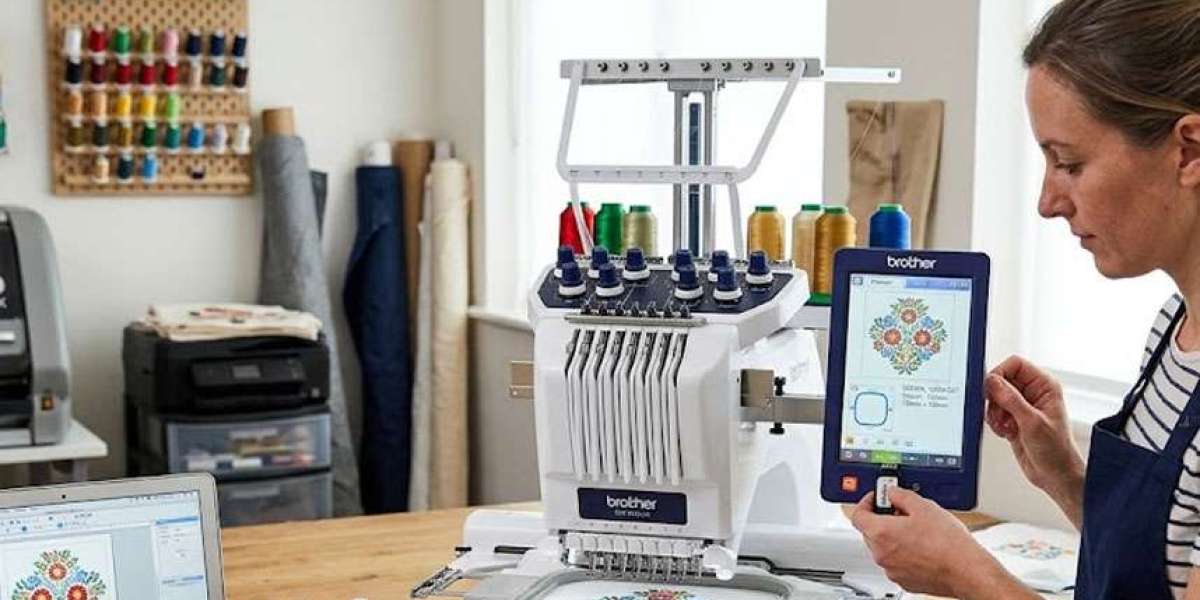
Buying or downloading an embroidery design is only the first step. The real challenge begins when you try to load the file onto your embroidery machine and nothing appears on the screen. This happens more often than people think, especially when working with a DST file on different embroidery machine brands.
Every embroidery machine reads embroidery files a little differently. Even though DST is one of the most common formats, the loading process still depends on the machine you're using.
Before starting, remember these important points:
- Format your USB drive correctly because many embroidery machines only recognize FAT32 storage devices.
- Copy only the final DST file instead of project files created inside embroidery software.
- Double-check the file name because some older embroidery machines cannot read long file names or special characters.
- Make sure the design size fits the available hoop before loading it into the machine.
Different embroidery brands also organize design menus differently. Brother, Tajima, Barudan, and Ricoma machines may follow different navigation steps even when opening the same DST file.
If you regularly create designs for hats and caps, understanding custom hat embroidery workflows also helps you prepare files that stitch more accurately on curved surfaces.
Before starting production, use the machine preview to confirm the design orientation, size, and stitch placement. Fixing small issues before stitching is much easier than correcting mistakes afterward.
A careful loading process keeps embroidery production smooth and helps prevent unnecessary interruptions during stitching.