
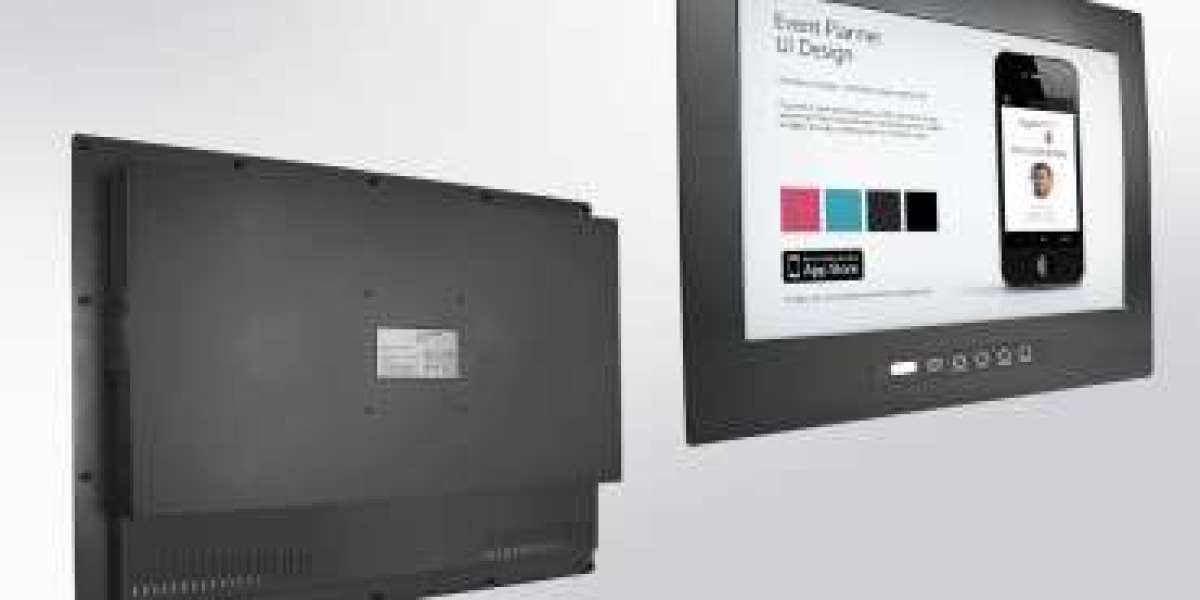
In modern industrial environments, operational decisions depend on fast access to clear, accurate information. Whether in manufacturing facilities, utilities, transportation infrastructure, or process plants, operators rely on visual interfaces to monitor systems, review alarms, and manage daily workflows. This is where an operator interface industrial monitor becomes a critical part of industrial operations.
Choosing the right monitor for control rooms and operator panels is not only about screen size. It is about reliability, visibility, usability, and long-term compatibility with industrial environments.
Why operator interface monitors matter
Control rooms and operator panels act as the visual center of industrial systems. They help operators monitor production status, process conditions, machine health, and alarm notifications.
A well-designed operator interface supports:
- faster response to process changes
- improved operational visibility
- easier interaction with HMI systems
- reduced input errors
- more efficient daily workflows
When operators need to make quick decisions, the quality of the display directly affects usability and response time.
Common applications
Operator interface industrial monitors are widely used in:
- factory automation systems
- machine operator panels
- process control environments
- SCADA monitoring stations
- transportation control centers
- utility infrastructure monitoring
In each of these environments, the display must remain dependable during continuous operation.
What to consider when choosing an industrial monitor
Screen size and viewing distance
The first consideration is screen size. A small operator panel may only require a compact display, while centralized control rooms often benefit from larger widescreen monitors that allow better visibility of dashboards, alarms, and process graphics.
Choose a display size based on:
- operator viewing distance
- amount of visual information shown
- control room layout
- available mounting space
A properly sized display improves readability and operator comfort.
Image clarity and readability
Industrial environments often involve changing light conditions, overhead lighting, and long operating hours.
A suitable industrial monitor should provide:
- clear visual rendering
- good brightness levels
- wide viewing angles
- sharp display of process graphics and status information
Good readability helps reduce operator fatigue during long shifts.
Touch technology
Many operator panels require direct touch interaction.
The most common options are:
Capacitive touch
Often chosen for modern HMI systems because it provides smooth interaction, fast response, and modern usability.
Resistive touch
Often preferred when operators wear gloves or when environments require pressure-based input.
The best choice depends on workflow conditions and operating environment.
Reliability for 24/7 industrial operation
Unlike office displays, industrial monitors are often used continuously.
Control rooms and operator panels may run:
- 24 hours a day
- multiple production shifts
- continuous monitoring environments
- critical process operations
Industrial-grade monitors are designed to support:
- long operating cycles
- vibration resistance
- temperature variation
- dust exposure
- stable long-term performance
For industrial buyers, long-term reliability is often one of the most important factors.
Mounting considerations
The installation environment should guide the monitor format.
Panel mount
Common in machine operator interfaces and control cabinets.
Open frame
Often used in custom machine integration and OEM projects.
Rack or console integration
Suitable for centralized control room environments.
Choosing the right mounting format helps improve integration efficiency and system usability.
Compatibility with existing systems
Before purchasing, verify compatibility with:
- industrial PCs
- PLC systems
- HMI platforms
- SCADA software
- existing control infrastructure
Connectivity options should match current system requirements while allowing room for future expansion.
Why buying the right monitor matters long term
An operator interface monitor is often expected to remain in service for years.
Selecting the right display from the beginning can help reduce:
- future replacement costs
- maintenance complexity
- operational interruptions
- integration challenges
A reliable display platform also supports easier lifecycle planning for automation teams and system integrators.
Questions buyers should ask before purchasing
Before selecting an operator interface industrial monitor, buyers should ask:
- What level of visibility do operators need?
- Will the monitor be used in a control room or directly on machinery?
- Is touch interaction required?
- Will operators use gloves?
- Does the environment require industrial-grade durability?
- Is long-term product availability important?
These questions help narrow down the most suitable solution.
A practical investment for industrial operations
Choosing the right operator interface monitor affects more than display quality. It directly supports industrial productivity, operational visibility, and long-term system reliability.
For control rooms and operator panels, the right operator interface industrial monitor can help improve operator efficiency, simplify interaction, and support more dependable industrial workflows.
For manufacturers, OEMs, system integrators, and industrial operators, investing in the right display today helps create a more reliable and efficient operating environment for the future.
Read More: https://tecsysproductguides.blogspot.com/2026/05/choosing-operator-interface-industrial.html