
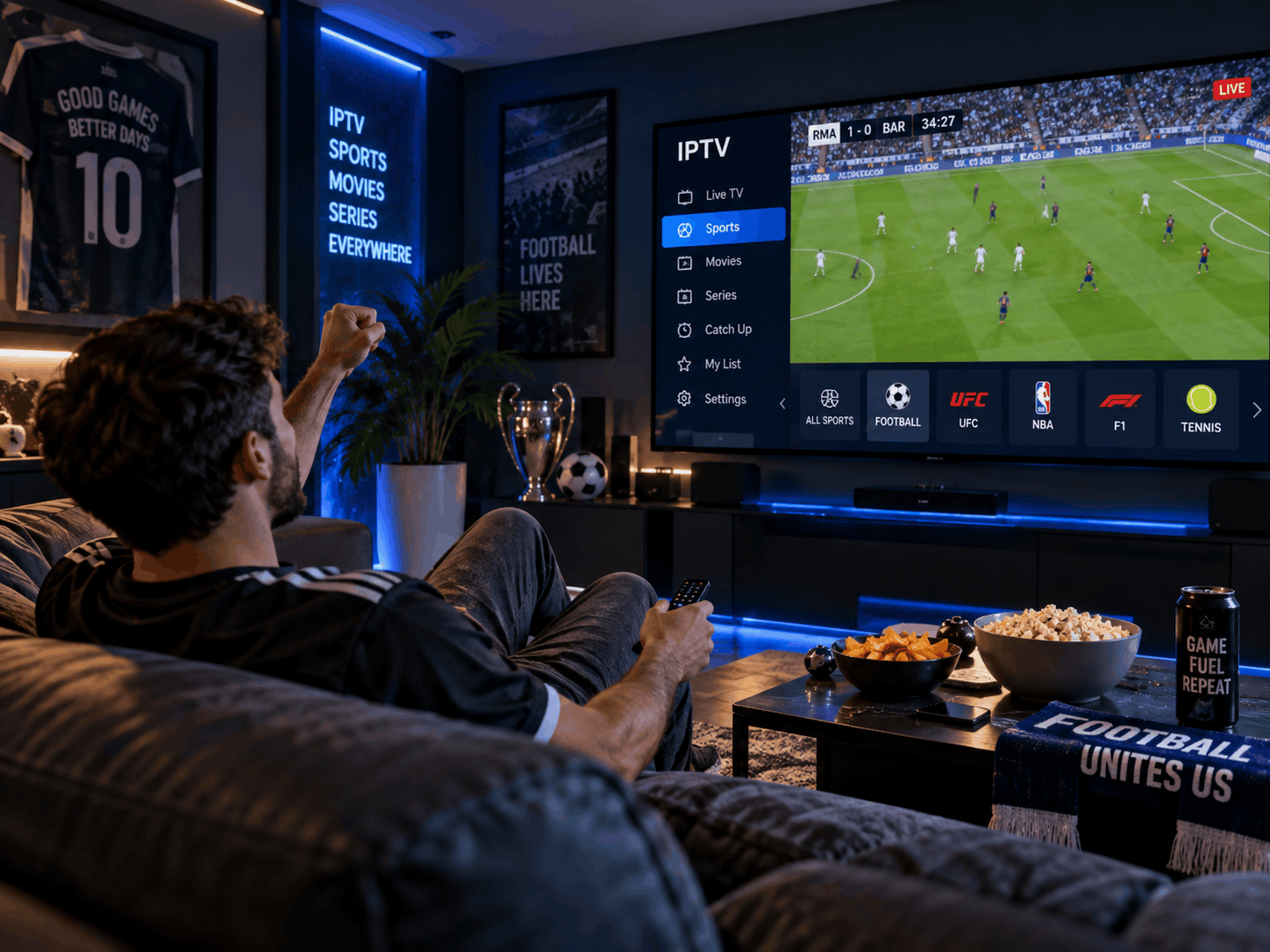

Smart televisions have become an essential part of modern home entertainment. They provide access to live channels, streaming applications, films, games, and online services through a single device. However, like other electronic equipment, televisions gradually experience wear and performance changes over time.
The way a television is installed, used, cleaned, and maintained can influence how long it remains in good working condition. Excessive heat, dust accumulation, unstable power, outdated software, and careless handling may contribute to avoidable problems.
Extending the useful life of a smart television does not require complicated repairs or expensive accessories. Consistent care and a few sensible habits can help protect its components and maintain a reliable viewing experience.
Why Regular Television Care Matters
A smart television combines several electronic components, including a display panel, processor, memory, speakers, power supply, and network hardware. Each component performs a different function, and problems with one part can affect the overall experience.
Regular television maintenance helps users identify small issues before they develop into more serious problems. It also supports stable operation by reducing unnecessary stress on the device.
For example, dust around ventilation openings can restrict airflow, while excessive brightness may increase power consumption and heat generation. Poor cable management can place pressure on connection ports, and neglected software updates may cause compatibility problems.
A basic maintenance routine helps keep these factors under control. It also allows users to notice changes in picture quality, sound, connectivity, or response time before they become difficult to manage.
Keep the Television Clean Without Damaging the Screen
Dust and fingerprints can gradually accumulate on a television screen, frame, and surrounding surfaces. Although cleaning is important, using unsuitable products or applying excessive pressure can damage sensitive display coatings.
Before cleaning, switch off the television and allow the screen to cool. Use a clean, soft microfiber cloth to remove loose dust and fingerprints gently.
Follow these precautions:
-
Avoid paper towels, rough fabrics, and abrasive cleaning materials.
-
Never spray liquid directly onto the display.
-
Do not use household glass cleaners unless the manufacturer specifically approves them.
-
Avoid pressing firmly against the screen.
-
Follow the manufacturer's cleaning instructions.
For stubborn marks, use only a cleaning method approved for the particular display model. Some manufacturers permit a lightly dampened microfiber cloth, while others recommend dry cleaning only.
The television's ventilation openings also need occasional attention. Dust can collect around these areas and restrict airflow, so clean them carefully without pushing debris inside the device.
Maintain Proper Ventilation Around the Device
Heat is one of the factors that can affect electronic component life. Smart televisions generate heat during operation, particularly when running demanding applications or displaying bright images for extended periods.
Most televisions are designed with ventilation openings that allow warm air to escape. Blocking these openings can cause internal temperatures to rise.
To maintain suitable airflow:
-
Leave adequate space around the television.
-
Avoid placing objects directly over ventilation openings.
-
Keep the device away from heating equipment.
-
Do not enclose it in a tightly fitted cabinet without sufficient ventilation.
-
Remove accumulated dust from surrounding areas.
Wall-mounted televisions also need appropriate spacing from the wall according to the manufacturer's instructions.
A well-ventilated setup helps the television manage heat more effectively and reduces unnecessary thermal stress.
Use Suitable Brightness and Picture Settings
Picture settings influence both viewing comfort and power consumption. Running a television at maximum brightness all the time is not necessary for most households.
A screen that is excessively bright may consume more electricity and generate additional heat, depending on its display technology and design.
Consider adjusting brightness according to the room's lighting conditions. A lower setting may be more comfortable in a dark room, while a brighter environment may require greater screen output.
Other useful adjustments include:
Picture Mode: Select a suitable preset for films, sports, gaming, or everyday viewing.
Automatic Brightness: If available, use the ambient light sensor to adjust screen brightness according to the room.
Screen Saver: Enable a screen saver or automatic screen-off feature when supported, especially if the television displays static images for long periods.
Energy Saving: Review power-saving settings to find a balance between energy consumption and picture quality.
OLED televisions require particular attention to static images because prolonged display of fixed elements can contribute to permanent image retention or burn-in. Use the protective features recommended by the manufacturer.
Protect the Television From Electrical Problems
Unstable electricity can create problems for electronic equipment. Sudden power interruptions, voltage fluctuations, and electrical surges may affect a television's power supply or other internal components.
Using suitable electrical protection can help reduce these risks.
A properly rated surge protector can provide protection against certain voltage spikes. In areas where voltage fluctuations are common, a compatible voltage regulator or other manufacturer-approved protection may also be worth considering.
Users should check the electrical requirements of their television before purchasing protective equipment.
Additional precautions include:
-
Avoid overloading electrical outlets.
-
Use undamaged power cables.
-
Keep plugs and sockets away from moisture.
-
Disconnect the television during severe electrical storms when practical.
-
Avoid pulling the power cable to disconnect the device.
If a television repeatedly switches off, produces unusual electrical sounds, or shows signs of power-related faults, consult a qualified technician rather than attempting an internal repair.
Keep Software and Applications Updated
Smart televisions rely on software to manage applications, network connections, display settings, and other functions. Manufacturers release updates to improve performance, correct errors, and address security vulnerabilities.
Keeping the operating system updated can help maintain compatibility with modern applications and online services.
Open the television's settings menu and check the software update section. If an update is available, follow the manufacturer's installation instructions.
Applications should also be updated through the official app store or supported update system.
However, avoid installing unofficial firmware or modified applications from unknown websites. These downloads may introduce security problems or interfere with normal operation.
If a television is no longer receiving updates, review the manufacturer's support information to understand which functions remain supported.
Manage Applications and Internal Storage
Smart televisions often have limited internal storage compared with computers and smartphones. Installing too many applications or allowing temporary files to accumulate may reduce available space.
A full storage system can sometimes contribute to slow navigation, application crashes, or failed updates.
Review installed applications periodically and remove those that are no longer needed. Clearing an application's cache may also help when it behaves unexpectedly.
Be careful when selecting storage options. Clearing cached files is different from deleting application data, which may remove saved preferences or sign-in information.
It is also unnecessary to install multiple applications that perform the same task. Keeping the software environment organised can make everyday use simpler.
Handle Cables and Connections Carefully
Televisions often have several connection ports for HDMI devices, USB accessories, audio equipment, and internet connections. Repeatedly inserting or removing cables without care can damage ports or connectors.
Keep cables organised and avoid placing unnecessary pressure on the connection points.
A few simple habits can help:
-
Insert connectors in the correct orientation.
-
Avoid forcing cables into ports.
-
Use suitable cable lengths.
-
Keep cables away from areas where people may trip over them.
-
Disconnect accessories by holding the connector rather than pulling the cable.
If a connection becomes loose or unreliable, inspect the cable and port before assuming that the television itself is faulty.
Avoid Leaving the Television Running Unnecessarily
Modern televisions are designed for regular use, but leaving them switched on when nobody is watching serves little purpose.
Turning off the television when it is not needed reduces electricity consumption and avoids unnecessary operating hours.
Many smart televisions include automatic power-off timers, sleep timers, or energy-saving standby settings. These can be useful when viewers occasionally fall asleep while watching.
Standby mode is convenient because it allows the television to start quickly, but users who are away for extended periods may prefer to follow the manufacturer's recommendations for fully powering down the device.
There is no need to repeatedly disconnect the television from electricity throughout the day. Use the normal power controls unless the manufacturer advises otherwise.
Recognise Early Signs of Hardware Problems
Small performance changes can sometimes indicate developing hardware issues. Recognising these signs early may help prevent further damage.
Pay attention to:
-
Unusual flickering or lines across the display.
-
Repeated unexpected shutdowns.
-
Distorted or missing audio.
-
Excessive heat around the television.
-
Persistent network connection problems.
-
Unusual noises from the device.
Not every issue indicates a serious hardware fault. Some problems may be caused by an application, cable, input source, or temporary software error.
If basic troubleshooting does not resolve the issue, contact the manufacturer's support team or a qualified repair professional. Avoid opening the television yourself because internal components can present electrical hazards even after the device has been unplugged.
Conclusion
Extending the useful life of a smart television depends on consistent care and sensible everyday habits. Keeping the screen clean, maintaining proper ventilation, using suitable picture settings, protecting electrical connections, and installing official software updates can all support reliable operation.
It is equally important to manage applications, handle cables carefully, and respond to unusual performance changes before they become more serious.
No maintenance routine can guarantee that a television will last indefinitely, but responsible use can reduce avoidable wear and help households get more value from their entertainment equipment.