
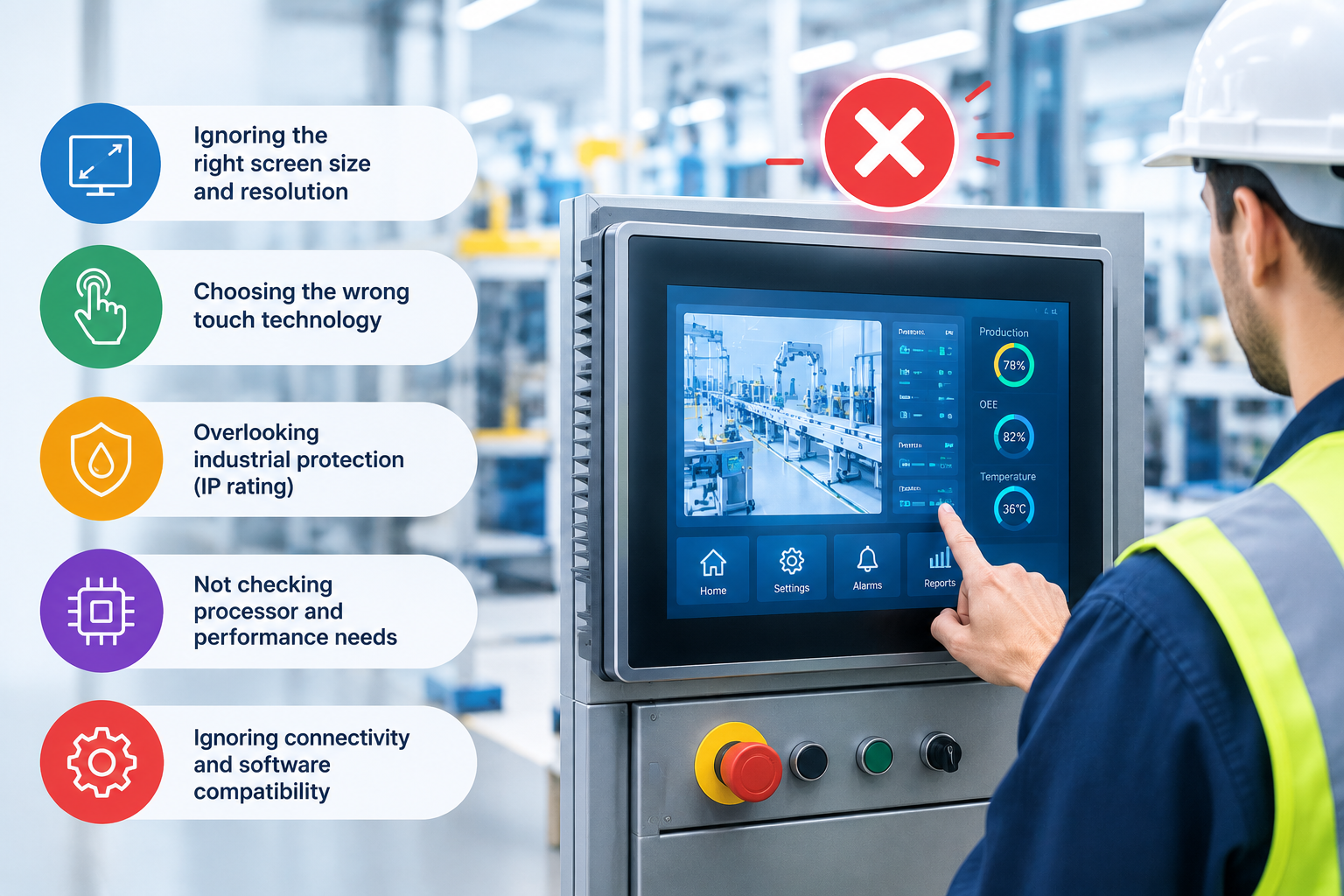

A touchscreen on a machine is not the same as a touchscreen on a phone. In a factory, it has to work through gloves, dust, cleaning agents, vibration and electrical noise, often for ten years or more. Yet many projects still pick the touch technology at the last minute, based on price or habit. The result: frustrated operators, false touches and expensive redesigns.
Here are five mistakes we see again and again, and how to avoid them.
1. Choosing the technology before understanding the operator
The most important question is not “Which touchscreen is better?” but “Who uses it, and how?”
An operator with bare hands in a clean control room has completely different needs than a technician wearing thick work gloves in a cold storage warehouse. Projected capacitive (PCAP) screens react to the electrical properties of a finger, while resistive screens react to pressure. That single difference decides whether a screen works with thick gloves, a tool, or only a bare finger.
If you’re unsure which one fits your application, this guide gives a clear side-by-side comparison: Capacitive vs Resistive Touchscreens for Industrial Applications.
2. Assuming every capacitive screen works with gloves
Capacitive touchscreens can work with gloves, but not automatically. The controller has to be tuned for the type and thickness of the glove. A screen that works perfectly in the lab may fail completely on the shop floor if nobody tested it with the gloves operators actually wear.
Tip: always test with the real gloves, in the real environment, before you approve a design.
3. Ignoring electrical noise from motors and drives
Industrial machines are full of motors, frequency converters and power cables. These create electromagnetic interference, which can cause a poorly designed capacitive screen to register “ghost touches”: inputs nobody made.
This isn’t a reason to avoid PCAP, but it means EMC behaviour must be planned from the start: grounding, shielding and controller settings all matter. Resistive touch is generally less sensitive here, which is one reason it’s still used in certain machines.
4. Underestimating water, cleaning and sunlight
Screens in food production, laboratories or outdoor equipment get wet, cleaned with strong chemicals, or exposed to direct sunlight.
- A flat glass front (typical for PCAP) is easy to clean and seal.
- Water drops can trigger false touches unless water rejection is configured, so running water or spray should always be tested.
- Bright light reduces readability. Higher light transmission, optical bonding and sunlight-readable displays make a big difference.
- The plastic top film of resistive screens can scratch and age, especially under UV light.
5. Comparing only the purchase price
Resistive touchscreens are usually cheaper to buy, and for simple single-touch interfaces they’re often the smart choice. But the cheapest screen isn’t always the cheapest solution.
If an interface needs gestures, a modern look, frequent cleaning or a long service life, a capacitive screen can reduce operating errors, training time and replacements over the years. On the other hand, replacing an existing resistive screen with PCAP may require changes to the controller interface, software and housing, which adds cost.
The right question is: what will this screen cost over its whole life in this application?
A simple checklist before you decide
Before choosing a touch technology, answer these five questions:
- Operator: bare fingers, gloves (thin or thick), stylus or tools?
- Environment: dust, water, chemicals, temperature, sunlight, nearby motors?
- Interface: simple buttons, or multi-touch and gestures?
- Usage: how many touches per day, and how many years of service?
- Constraints: installation depth, IP rating, EMC requirements, existing software, budget?
Once these are clear, the choice between capacitive and resistive usually becomes obvious.
Conclusion
There’s no single “best” touchscreen for industry, only the best one for a specific application. Capacitive touch is the standard for modern HMIs with multi-touch and high image quality. Resistive touch remains a reliable choice for thick gloves, tools and cost-sensitive interfaces.
For a detailed comparison of both technologies, including how they work, a comparison table and answers to common questions, read the full guide on choosing between capacitive and resistive touchscreens from T&O Electronic Solutions.
Read More: https://tecsysproductguides.blogspot.com/2026/10/5-common-mistakes-when-choosing.html