
How to Choose a 12-Inch Flush Mount Monitor Supplier for Industrial Applications

Choosing the right 12-inch flush mount monitor supplier is important for businesses that manufacture industrial machines, automation systems and control panels. An industrial monitor must fit the equipment, provide clear visibility and operate reliably in its intended environment. Selecting a supplier based only on price can lead to compatibility problems, installation delays and additional costs.
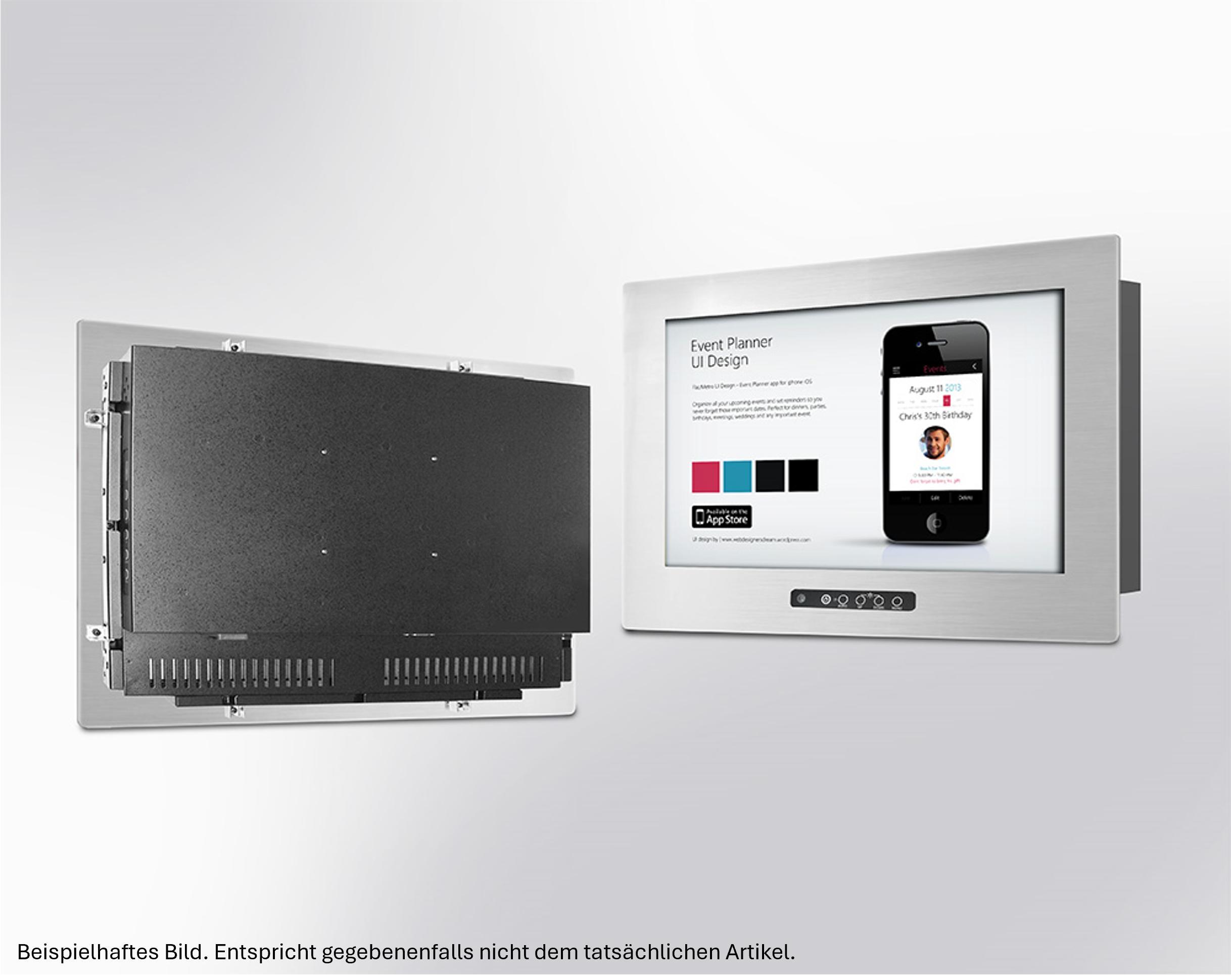
A 12-inch flush mount industrial monitor is designed to be integrated into a panel, machine enclosure or control station. Its front surface sits neatly within the mounting area, creating a clean and practical installation. These monitors are used in industrial automation, production equipment, process monitoring, testing systems and human-machine interface (HMI) applications.
This guide explains what to check when choosing a 12-inch flush mount monitor supplier and how to find a suitable display for your application.
1. Check the Monitor's Technical Specifications
The first step is to understand the technical requirements of your application. Not every 12-inch industrial monitor offers the same features or configuration options.
Start by checking the display resolution, brightness, viewing angle, interface connections and available control options. Resolution affects how clearly text, measurements, diagrams and machine information appear on the screen. Brightness is especially important when the monitor is installed in an environment with strong ambient lighting.
You should also confirm whether you need a touchscreen or a standard display. Touch functionality may be useful for operators who need to enter commands, adjust settings or interact directly with an HMI interface.
Before contacting a supplier, prepare a list of essential specifications. This makes it easier to compare available models and avoid choosing a monitor that does not meet your technical requirements.
2. Confirm Flush Mounting Compatibility
Mounting compatibility is one of the most important factors when purchasing a flush mount monitor. Even if two displays have the same screen size, their external dimensions and mounting arrangements may differ.
Check the monitor's overall dimensions, panel cutout requirements, mounting depth and fixing method. These details determine whether the display will fit into your existing control panel or machine enclosure.
For replacement projects, compare the new monitor with the existing unit before placing an order. Confirm the available space, mounting points and cable clearance. For new equipment, consider the display dimensions during the mechanical design stage.
A suitable supplier should provide technical drawings or dimensional information so your engineering team can assess compatibility before installation.
3. Evaluate the Industrial Environment
Industrial monitors may operate in environments that differ considerably from offices and commercial buildings. Dust, vibration, temperature changes, moisture and continuous operation can affect display performance.
Before selecting a supplier, explain where and how the monitor will be used. A display installed inside a protected machine enclosure may have different requirements from one mounted on an exposed production line.
Check the operating temperature range, front-panel protection rating, vibration resistance and other environmental specifications relevant to your application. If the monitor will be installed in a washdown area or exposed to dust, verify the required ingress protection rather than assuming that every industrial display offers the same level.
The supplier should be able to provide documentation for the exact model being considered. This helps your engineering team determine whether it is appropriate for the intended operating conditions.
4. Check Connectivity and System Integration
A 12-inch flush mount monitor must work with the industrial computer, controller or embedded system that drives it. Therefore, connection compatibility should be confirmed before ordering.
Depending on the application, you may need HDMI, DisplayPort, VGA, DVI or another video interface. Touchscreen models may also require a separate USB or other touch connection.
Check the output available from your existing system and confirm that the selected monitor supports it. Also consider cable routing, connector access and the physical space available behind the panel.
For OEMs and machine builders, it is useful to discuss integration requirements with the supplier early in the project. Confirming interfaces and mechanical details in advance can reduce rework during assembly and testing.
5. Compare Suppliers Beyond Price
Price is an important purchasing factor, but it should not be the only consideration. A lower-priced monitor may not be the most cost-effective option if it requires mechanical changes, additional accessories or replacement sooner than expected.
When comparing a 12-inch flush mount monitor supplier, review the following points:
- Availability of complete technical datasheets and drawings
- Clear information about interfaces and mounting dimensions
- Availability of the required model and configuration
- Technical support before and after purchase
- Warranty terms and return procedures
- Lead times and delivery options
- Availability of replacement units or alternative models
For industrial projects, consistent communication is particularly valuable. A supplier that understands your application can help clarify technical questions before they become installation problems.
If the monitor is part of a long-term product design, ask about product lifecycle information and the process for handling discontinued models. Availability and future replacement options can be important for equipment manufacturers supporting machines over many years.
6. Consider Future Maintenance and Replacement
Industrial equipment often remains in service for a long time. During that period, the original monitor may become unavailable or need replacement because of damage, component failure or changing project requirements.
Choosing a supplier that can provide clear model information and technical documentation helps simplify future maintenance. Keep records of the monitor's part number, dimensions, interfaces, power requirements and mounting details.
For replacement projects, do not rely on screen size alone. A replacement monitor must also match the relevant electrical, mechanical and operational requirements. If an exact replacement is unavailable, ask the supplier to help assess compatible alternatives.
For OEMs producing equipment in multiple batches, standardising display models where practical can also simplify purchasing, inventory management and service support.
7. Request Technical Information Before Ordering
Before making a final decision, request the documentation needed to evaluate the selected monitor. This may include the product datasheet, mechanical drawing, interface details, power requirements and operating conditions.
If your application has specific requirements, provide these to the supplier instead of asking only for a general product recommendation. Useful information includes the installation environment, intended use, host system, mounting dimensions and expected order quantity.
For larger projects, confirm availability, lead times, sample options and any configuration requirements before committing to a production schedule.
Taking these steps helps ensure that the selected monitor is suitable for your application and reduces the risk of unexpected integration issues.
Why Choose the Right 12-Inch Flush Mount Monitor?
A suitable industrial flush mount monitor can provide a practical display interface for machine operation, process visualisation and equipment monitoring. The right choice depends on the complete application, including mechanical fit, display performance, connectivity and environmental requirements.
Working with an experienced industrial monitor supplier can make the selection process easier by providing the technical information needed to assess different options. It also helps purchasing and engineering teams make decisions based on compatibility and long-term requirements rather than price alone.
Find a Suitable 12-Inch Flush Mount Monitor
If you are sourcing a 12-inch flush mount monitor for industrial machinery, control panels or HMI applications, begin by identifying your mounting, connectivity and environmental requirements.
TecSys offers industrial monitor options for a range of industrial applications. Explore the 12-inch Flush Mount 3 Series monitor to review the available product information and determine whether it fits your project requirements.
Before ordering, confirm the exact model specifications, mounting dimensions, interface compatibility and availability with the supplier. A careful selection process can help reduce integration problems and support reliable industrial equipment operation.
Read More: https://tecsysproductguides.blogspot.com/2026/10/how-to-choose-12-inch-flush-mount.html