
One of the primary functions of a smartwatch application is device connectivity

Smartwatch technology has made everyday communication and fitness tracking more convenient, but a compatible smartphone application is essential for getting the most out of a wearable device. A companion application connects the watch with a mobile phone, allowing users to manage settings, review activity records, and access supported features from one place. Choosing the right smart watch APP can make the overall experience smoother and more useful.
One of the primary functions of a smartwatch application is device connectivity. Through Bluetooth pairing, a compatible app allows the smartphone and wearable device to communicate. Once connected, users can synchronize supported information, configure notifications, and adjust available settings. This connection reduces the need to navigate every function directly on the watch's smaller display.
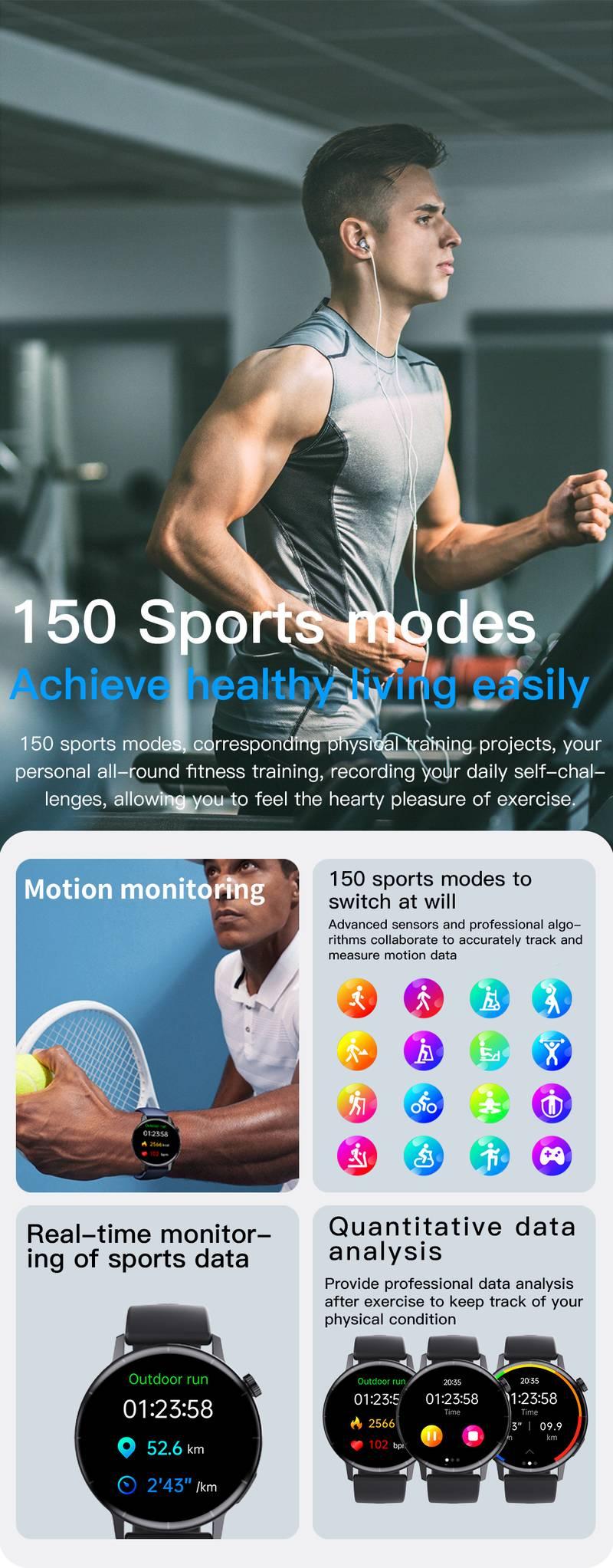
Activity tracking is another important part of the experience. Many smartwatch applications collect and organize information such as daily steps, estimated walking distance, calories burned, and exercise sessions. Reviewing these records on a smartphone provides a clearer view of daily movement and fitness progress. Users can monitor their habits over time and establish realistic goals that encourage consistent physical activity.
Some companion applications also display wellness-related information collected by compatible watches. Depending on the device, this may include heart-rate readings, sleep records, blood oxygen estimates, and stress-related measurements. These features can help users observe general patterns in their routines and become more aware of their activity and rest. However, readings from consumer wearable devices are estimates rather than medical-grade measurements and should not be used to diagnose health conditions.
Notification management provides additional convenience. After enabling the necessary permissions, a compatible application may allow the smartwatch to display incoming call alerts, messages, and selected application notifications. Users can adjust available settings to decide which updates they want to receive. Certain watches also support Bluetooth calling, although this feature depends on the model's hardware and smartphone compatibility.
Personalization is another advantage of using a companion app. Many applications allow users to explore supported watch faces, adjust display preferences, and configure reminders. Some devices also provide settings for alarms, sedentary alerts, and other everyday tools. The available options differ between manufacturers and models, so checking compatibility is important before downloading an application.
Installing and connecting a smartwatch app is generally straightforward. Users should download the recommended application from an official app store or the manufacturer's website, enable Bluetooth, and follow the pairing instructions. Keeping the watch near the smartphone during setup can help establish a connection. If synchronization fails, checking application permissions, Bluetooth settings, and device compatibility may resolve common issues.
Choosing the correct application is especially important because different smartwatches may require different companion software. For example, compatible KNAX F57L and F107 models use Joeme Fit, while the KNAX F67 uses FitCloudPro. Users should consult their product manuals or official specifications instead of assuming one application works with every wearable device.
Privacy and security should also be considered when installing smartwatch software. Reviewing application permissions, using trusted download sources, protecting account credentials, and keeping software updated can help users manage their connected devices more responsibly.
Ultimately, a smartwatch application helps turn a wearable device into a more connected and personalized everyday companion. By selecting compatible software and exploring its supported functions, users can manage activity information, notifications, and device settings more conveniently. Checking compatibility before installation is the best way to enjoy a smooth and reliable smartwatch experience.