
The "Compatible" Display That Wasn't: Lessons From Replacing an Obsolete Industrial Screen

It looked like the easy way out. The 7-inch TFT display in a well-selling machine terminal had been discontinued. A distributor offered a replacement: same size, same resolution, same connector, labelled "drop-in compatible". The samples arrived, the image appeared on the first try, and the replacement was approved within a week.
Three months later, the first complaints came in. Operators in one plant reported a flickering screen in the early morning. Another customer said the display was hard to read from the side. A third reported that the touch reacted badly when wearing gloves. None of these problems had appeared on the development bench.
This scenario is a composite of situations that engineering teams describe again and again. It is especially relevant now, because several major manufacturers are ending their industrial LCD production, and many companies have to replace displays in products that were designed years ago. What went wrong, and how can it be avoided?
Lesson 1: "The image appears" is not a test
A display that shows an image at room temperature has passed the easiest test there is. The flickering in the morning came from cold start: at low temperatures, the timing of the new panel moved outside the window that the existing controller delivered. The original panel had a wider tolerance.
What to do: test the full temperature range, including cold start and warm-up, and compare the minimum and maximum timing values in both datasheets, not the typical ones.
Lesson 2: Same size does not mean same view
The readability complaint had a simple cause: the original display used a wide-viewing-angle panel technology, the replacement did not. On a desk, looking straight at the screen, nobody noticed. On a machine, where the operator often stands to the side or looks down at the terminal, the difference was obvious.
What to do: compare viewing angle, contrast and brightness under real conditions, ideally side by side with the original, in the actual housing and at the actual mounting position.
Lesson 3: The touch is part of the display
The glove problem came from the touch stack-up. The replacement panel was slightly thinner, which changed the distance between the projected capacitive sensor and the display. The touch controller had been tuned for the original. Without retuning, sensitivity with gloves dropped.
What to do: whenever the display changes, re-test the touch with all relevant conditions: gloves, moisture, cleaning agents and electrical noise from the machine. Plan time for retuning the touch controller.
Lesson 4: Look for the problems nobody complains about yet
The three complaints were the visible problems. A closer look revealed two more: the power-on sequence of the existing board was outside the specification of the new panel, and the backlight was driven at a dimming frequency at the edge of the allowed range. Neither caused immediate failures, but both could shorten the lifetime of the display.
What to do: measure the power sequencing and backlight signals on the real hardware with an oscilloscope, and compare them with the new datasheet line by line.
Lesson 5: Approval is a process, not a signature
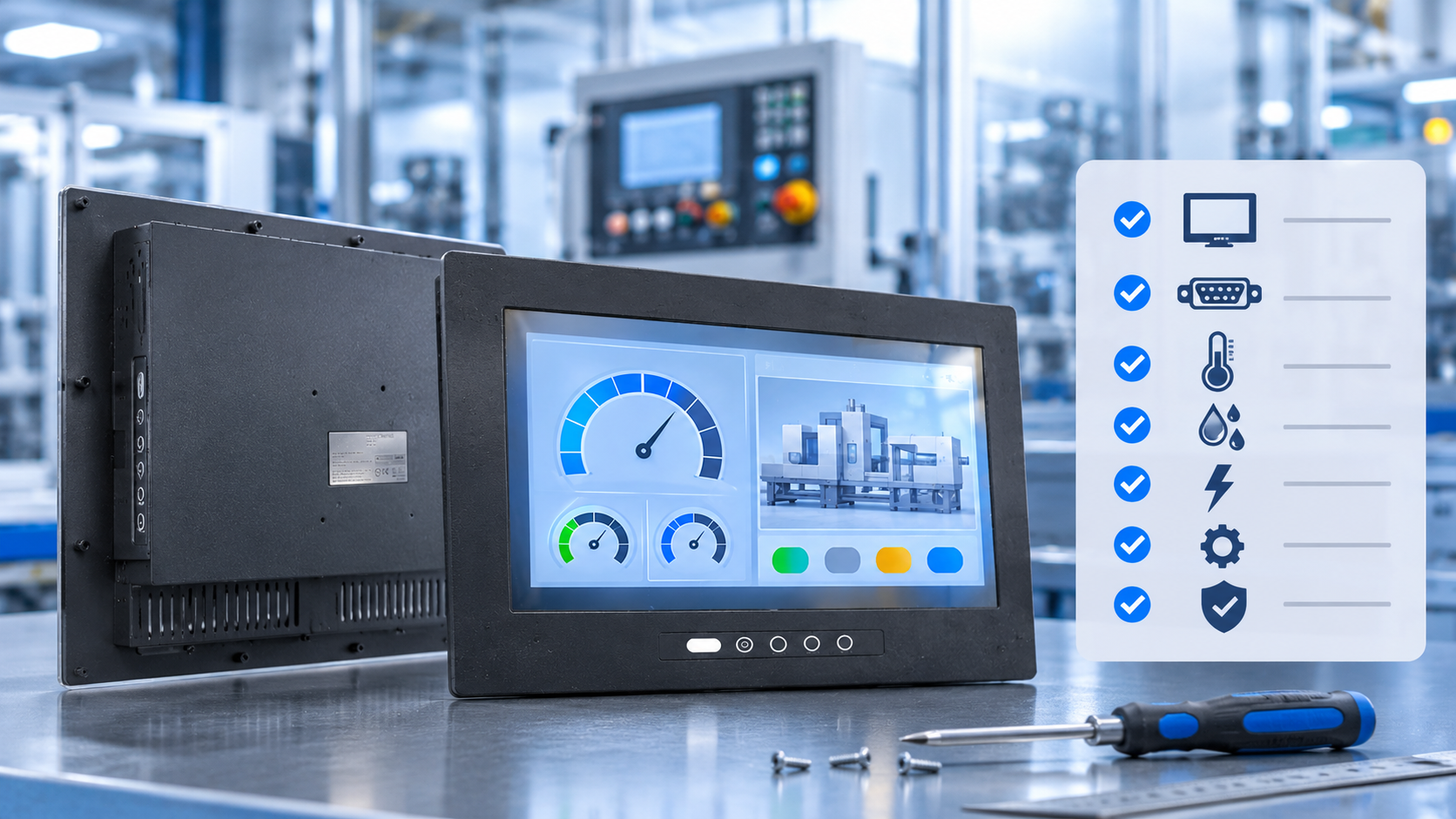
The replacement was approved within a week because production was waiting. In hindsight, two to three more weeks of structured testing would have avoided field complaints, service visits and a second change. A simple approval checklist helps:
• electrical comparison: interface, pinout, timing, power sequence
• backlight: driver, current, dimming frequency, lifetime
• optics: brightness, viewing angle, surface, readability in the real installation
• mechanics: outline, active area, mounting, flex cable position
• touch: re-test and retuning under real conditions
• environment: full temperature range, humidity, vibration
• compliance: EMC pre-check and impact on approvals
What this means for teams facing a display end of life now
If a display in your product has been discontinued, three steps help:
1. Buy time. Secure enough stock to bridge the qualification period, if the last-time-buy window is still open.
2. Assess honestly. Decide whether a true drop-in, an adapted replacement or a new display solution is the right path.
3. Test like it is a new product. Because from the user's point of view, it is.
For a deeper look at the current wave of discontinuations and the available options, read this guide on what the exit of major LCD makers means for machine builders.
If you are not sure whether the displays in your products are affected, a manufacturer-independent check can help. T&O Electronic Solutions offers a free obsolescence check for displays, touch panels and HMIs for business customers.
Read More: https://tecsysproductguides.blogspot.com/2026/11/why-drop-in-compatible-displays-are.html