
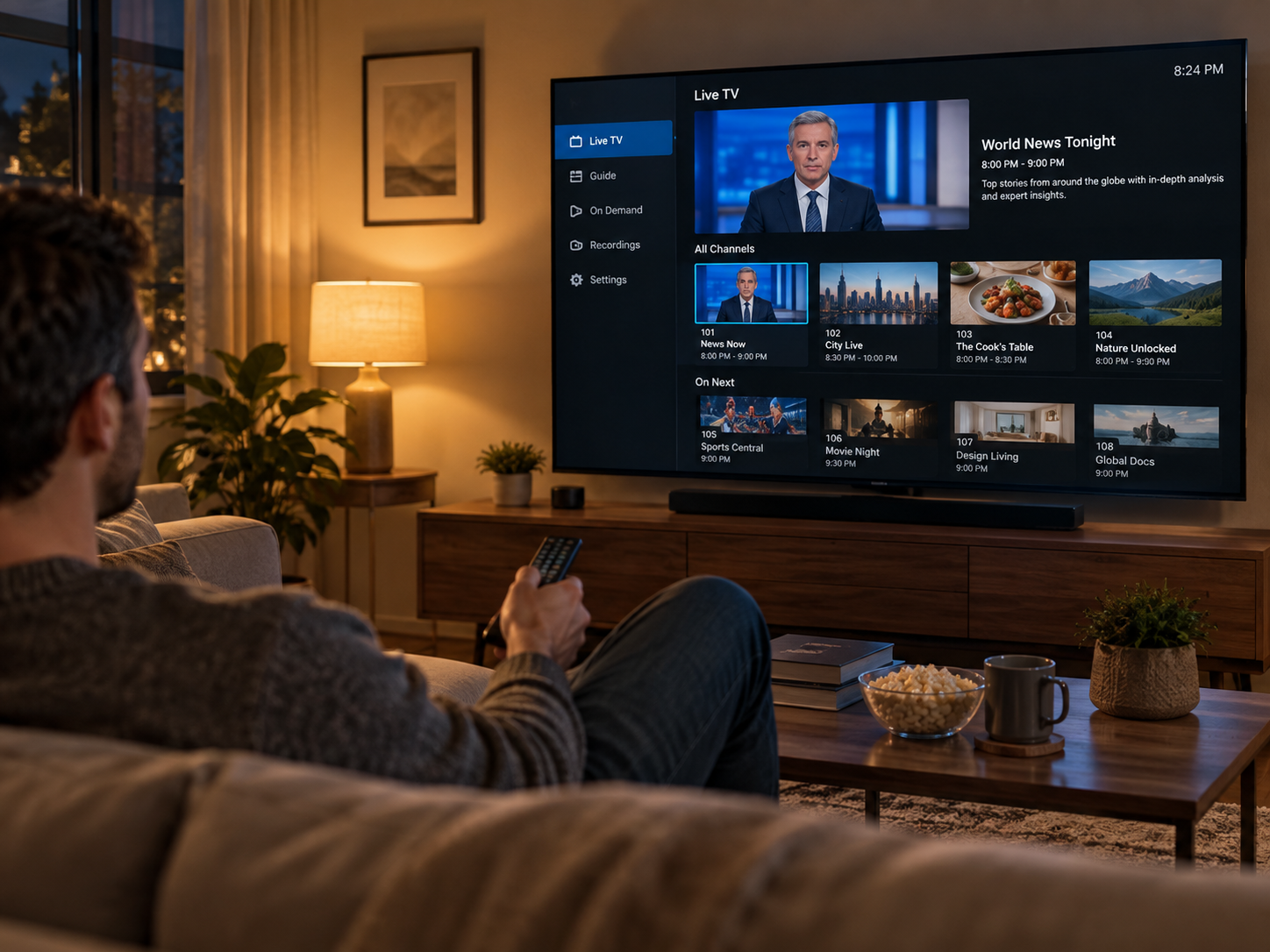

A reliable internet connection is essential for enjoying online entertainment at home. Whether someone watches live sports, follows television series, or streams movies in high resolution, network performance can influence the overall viewing experience. Buffering, slow loading, and unexpected interruptions may occur when a home network struggles to handle the demands of connected devices.
Choosing the right router can help create a more stable connection, but the decision involves more than looking at advertised speeds. Different homes have different layouts, internet plans, and numbers of connected devices. Understanding important router features can help households select a model that supports their streaming habits without spending money on unnecessary specifications.
Understand Modern Wi-Fi Standards
Wi-Fi technology continues to evolve, introducing improvements in wireless speed, efficiency, and device management. Older routers may still support everyday browsing, but newer standards can offer better performance in households where several devices connect simultaneously.
Wi-Fi 6 is designed to manage busy networks more efficiently, while Wi-Fi 6E adds access to the 6 GHz frequency band for compatible devices. Wi-Fi 7 introduces further improvements, although its benefits depend on having devices that support the standard. Before purchasing a router, check which technologies are supported by your television, smartphone, laptop, and streaming box.
Compatibility matters when investing in network equipment, because a router can only deliver its full range of features when connected devices support them. A household using mostly older devices may not need the newest available model. A balanced choice should meet current requirements while providing enough flexibility for future upgrades.
Compare Router Speed With Your Internet Plan
A router should be capable of handling the broadband speed supplied by the internet provider. If the router has limited capacity, it may prevent connected devices from taking full advantage of a faster internet plan.
Streaming requirements vary depending on video resolution and the number of active users. Standard-definition content generally consumes less bandwidth than Full HD or 4K video. When several household members stream simultaneously, the combined demand can increase considerably.
Advertised router speeds should be considered carefully. Manufacturers often display theoretical maximum speeds achieved under ideal conditions. Actual performance can be affected by distance, walls, interference, connected devices, and network congestion.
Instead of choosing a router based only on its highest advertised number, consider the broadband speed available at home and the amount of internet activity that usually takes place.
Evaluate Wireless Coverage and Router Placement
A fast router cannot provide a consistent experience if its wireless signal does not reach every room effectively. Large homes, multiple floors, thick walls, and furniture can affect signal strength, making some areas less suitable for streaming.
Before purchasing a router, consider where the television and other frequently used devices are located. A centrally positioned router in an open area can often provide better coverage than one hidden inside a cabinet or placed in a distant corner.
For larger properties, a mesh Wi-Fi system may be worth considering. These systems use multiple connected units to extend wireless coverage across different areas of a home. In smaller apartments, a conventional router with suitable range may be sufficient.
It is also useful to check whether the router supports external antennas or additional access points, as these options can provide more flexibility when improving coverage.
Check Dual-Band and Tri-Band Support
Most modern wireless routers use the 2.4 GHz and 5 GHz frequency bands. Each has different strengths that can influence streaming performance.
The 2.4 GHz band generally provides broader coverage and can travel through walls more effectively. However, it may experience more interference from nearby networks and other household devices. The 5 GHz band usually offers higher speeds over shorter distances, making it useful for compatible devices located relatively close to the router.
Tri-band routers add another frequency band, helping distribute traffic across more wireless connections. This can be beneficial in households with many connected devices or several people using bandwidth-intensive applications simultaneously.
The best choice depends on the size of the household and its typical internet usage. A good dual-band router can be sufficient for many homes, while a tri-band model may provide additional flexibility for demanding environments.
Look for Ethernet Connectivity
Wireless connections offer convenience, but Ethernet can provide a more consistent connection for devices that remain in one location. Smart TVs, desktop computers, and gaming consoles are often suitable candidates for wired networking.
When comparing routers, check the number and speed of available Ethernet ports. Gigabit Ethernet ports are common on modern models and can support fast wired connections. Some advanced routers also include faster ports for households with high-speed broadband plans.
Using an Ethernet cable for a television can reduce wireless congestion and help avoid interference from nearby networks. This is particularly useful when the router is located close enough to connect devices directly.
Even if a household primarily uses Wi-Fi, having several Ethernet ports can make future network upgrades easier.
Review Security and Device Management Features
A home router connects many personal devices, so security should be an important part of the purchasing decision. Look for modern wireless security support, including WPA3 where compatible, and check whether the manufacturer provides regular firmware updates.
Changing default administrator credentials and creating a strong Wi-Fi password are basic steps that help protect a home network. Automatic firmware updates can also make maintenance easier by helping keep the router's software current.
Some models include guest networks, parental controls, and connected-device management tools. These features allow household members to create separate access for visitors, manage children's internet activity, and review which devices are connected.
Such controls can make a router more practical for families and households with several users.
Conclusion
Choosing a home router for streaming requires attention to several factors, including Wi-Fi standards, broadband compatibility, wireless coverage, frequency bands, Ethernet ports, and security features.
The most suitable option depends on the home's layout, internet plan, and number of connected devices. Rather than focusing only on advertised speeds, consider how the router will perform under everyday conditions. A properly selected and positioned router can provide a dependable foundation for streaming, gaming, browsing, and other online activities.